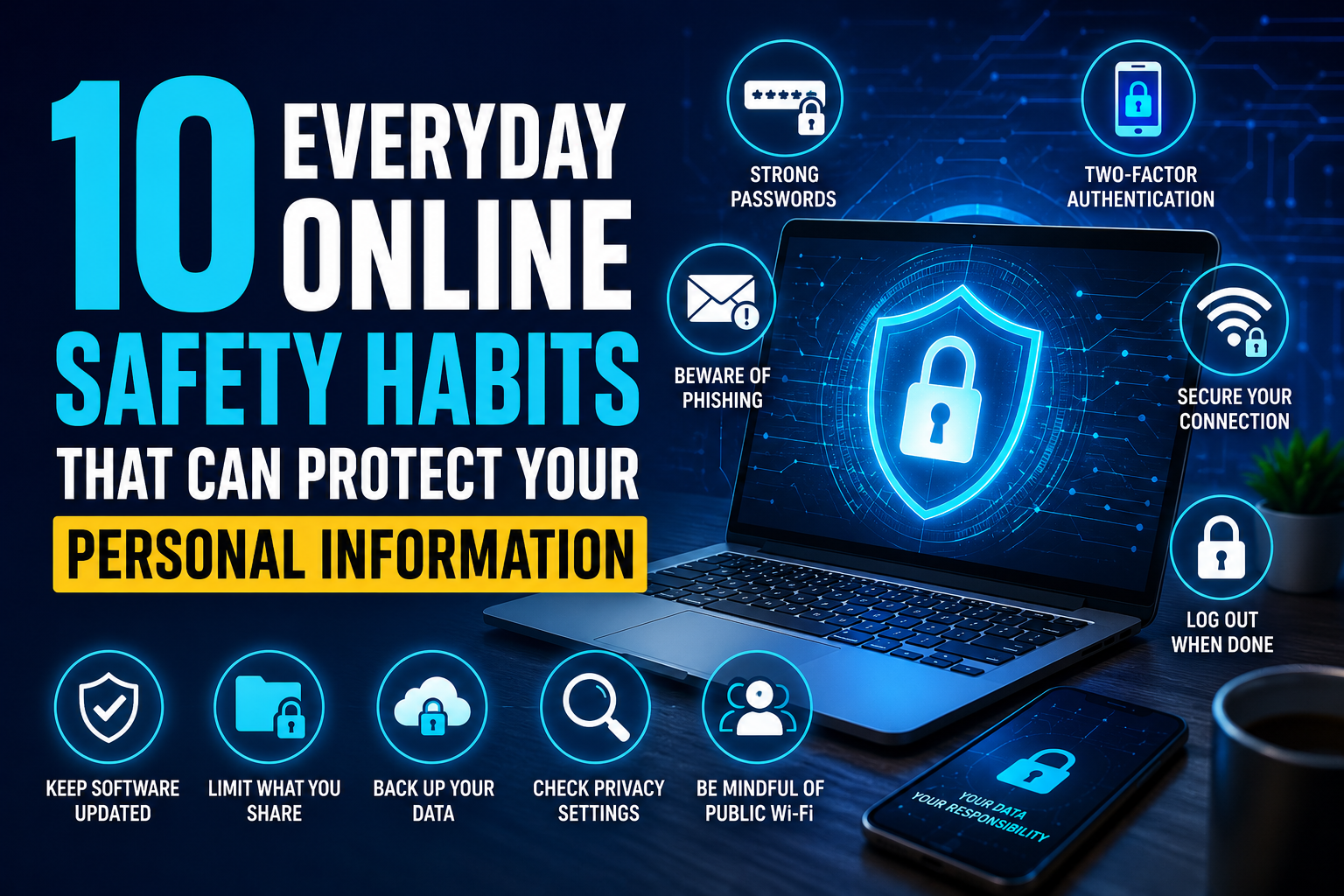
Your personal information is part of your digital life. A few simple habits can help you reduce unnecessary exposure while browsing websites, using apps, shopping online, and communicating with others.
Personal information is shared online more often than many people realize. An email address might be used to create an account, a phone number may be connected to two-factor authentication, and a home address may be saved by an online retailer for deliveries. Social media profiles can reveal names, workplaces, hobbies, locations, and other details that become valuable when combined.
Protecting this information does not mean avoiding the internet or refusing to use online services. Instead, it means becoming more intentional about what you share, where you share it, and who can access it. Small decisions made consistently can reduce many common privacy and security risks.
The Federal Trade Commission recommends practical steps such as using strong passwords, enabling multi-factor authentication, keeping software updated, and being careful about unexpected requests for personal information. ([consumer.ftc.gov](https://consumer.ftc.gov/articles/how-protect-your-personal-information-online?utm_source=chatgpt.com))
Consider whether information really needs to be public.
Use unique passwords and extra sign-in protection.
Review account activity, permissions, and privacy settings.
1. Think Before You Share Personal Information
One of the easiest ways to protect personal information is to pause before providing it.
Websites, apps, forms, surveys, contests, and online services may ask for different types of information. Some requests are necessary to provide a service, while others may simply be useful to the company collecting the information.
Before entering sensitive details, ask yourself whether the information is necessary and whether you trust the organization requesting it. Be particularly careful when an unfamiliar website asks for financial information, government identification numbers, passwords, or other highly sensitive details.
“Do they actually need this information to provide the service I am requesting?”
2. Use a Different Password for Important Accounts
Using one password everywhere may seem convenient, but it creates a major weakness. If that password is exposed through one website, someone may try it on your email, social media, shopping, or financial accounts.
Unique passwords help separate your accounts from one another. Your email password should be different from your shopping password, and your financial accounts should have their own strong credentials as well.
A reputable password manager can help create and store unique passwords. This can make strong account security much easier without forcing you to memorize dozens of complicated passwords.
3. Turn On Multi-Factor Authentication
Multi-factor authentication adds another layer of protection when you sign in. Instead of relying only on your password, the service may require another verification method.
Depending on the service, this could involve an authenticator app, security key, verification code, or another approved method.
Start with your email, financial accounts, social media profiles, cloud storage, and other services containing important personal information.
The FTC recommends enabling multi-factor authentication on accounts that offer it, especially accounts containing sensitive information. ([consumer.ftc.gov](https://consumer.ftc.gov/articles/how-protect-your-personal-information-online?utm_source=chatgpt.com))
Protect Your Email First
Your email account can often be used to reset passwords for other services. Give it a unique password and enable multi-factor authentication whenever possible.
4. Be Careful With Unexpected Emails and Messages
Unexpected messages can be one of the easiest ways for someone to convince you to reveal personal information.
A message may claim that your package is delayed, your bank account needs attention, your subscription is expiring, or you have won a prize. The goal is often to make you react quickly rather than think carefully.
Do not click links automatically. If a message appears to come from a company you use, open the official app or website yourself and check whether the same notification appears there.
Never provide a password, verification code, or sensitive financial information simply because a message asks for it.
5. Review Your Social Media Privacy Settings
Social media can reveal more information than you intend. Public posts may show your location, workplace, family relationships, travel plans, hobbies, or daily routine.
Review the privacy settings on the platforms you use. Check who can see your posts, who can send you messages, who can tag you, and which parts of your profile are visible publicly.
It is also worth reviewing older posts. Something that felt comfortable sharing several years ago may contain information you would rather not make public today.
Check who can view your current and older posts.
Limit unnecessary public contact information.
Review who can tag or mention your account.
6. Check App Permissions
Apps can request access to information and features on your phone or computer, including your location, camera, microphone, contacts, photos, and files.
Some permissions are necessary for an app to work properly. A navigation app, for example, may need location access. A photo-editing app may need access to selected pictures.
However, an application may not need every permission it requests. Review permissions periodically and remove access that seems unnecessary. Many modern devices also allow you to provide limited or temporary access instead of unrestricted access.
7. Keep Your Devices and Apps Updated
Privacy and security are not only about passwords. The software you use also matters.
Operating system and application updates can contain fixes for known security problems. Delaying updates for long periods can leave devices exposed to issues that have already been addressed by developers.
Whenever possible, enable automatic updates through the official settings on your phone, computer, browser, and important applications.
Be cautious of random pop-ups claiming that your device needs an urgent update. Use the device’s built-in update tools instead of downloading software from an unfamiliar advertisement or website.
8. Be Selective About Public Wi-Fi
Public Wi-Fi can be convenient at airports, hotels, restaurants, libraries, coffee shops, and other locations. But you should not automatically assume that every network is legitimate or secure.
Check the network name before connecting and be cautious if you are asked to provide unusual personal information simply to join the network.
For sensitive activities, such as managing financial accounts, consider using a trusted connection or your mobile data instead of an unfamiliar network.
Also avoid leaving sensitive accounts open on shared or public computers.
9. Monitor Your Financial and Online Accounts
Protecting personal information also means noticing when something changes.
Review bank and credit card statements for transactions you do not recognize. Check important online accounts for unfamiliar sign-ins, connected devices, password changes, or security notifications.
Many financial institutions and online services offer alerts. Turn them on when they are useful for you so you can learn about important activity sooner.
A Five-Minute Monthly Check
✓ Review recent financial transactions.
✓ Check important account login activity.
✓ Remove devices you no longer use.
✓ Review connected apps.
✓ Look for unexpected security alerts.
10. Think Before Posting or Sending Sensitive Details
Information shared online can be difficult to take back completely. Even when a post is deleted, someone may have saved a screenshot or copied the information.
Before posting a photo, document, location, or personal detail, think about who could eventually see it. Be especially cautious with images containing addresses, tickets, identification documents, account numbers, or other sensitive information.
The same idea applies to private messages. A message may feel temporary, but the recipient can still save or share it.
Sharing less does not mean being secretive. It simply means being more intentional about which information deserves to remain private.
Why Small Privacy Habits Matter
Online privacy is rarely about one dramatic decision. It is usually shaped by dozens of small choices made over months and years.
Using the same password repeatedly, leaving old apps connected, accepting every permission request, posting your location publicly, and clicking unexpected links may each seem insignificant by themselves. Together, however, they can create unnecessary exposure.
On the other hand, using unique passwords, enabling multi-factor authentication, checking privacy settings, limiting app permissions, and slowing down when a message seems suspicious can create several layers of protection.
The goal is not perfection. The goal is to make safer decisions more often.
Pause. Check. Then Share.
Before giving a website, app, message, or person your personal information, take a moment to consider who is asking, why they need it, and whether you can verify the request independently.
What to Do If Your Personal Information May Have Been Exposed
Even careful internet users can eventually encounter a suspicious message, compromised account, lost device, or unauthorized transaction. If you believe your information has been exposed, acting promptly can help.
If you shared a password, change it immediately and update that password anywhere else it was reused. If financial information may have been exposed, contact your financial institution using a trusted phone number or official app.
If an online account appears compromised, review recent activity, remove unfamiliar devices, update your password, and enable multi-factor authentication.
If you believe you have encountered fraud, the Federal Trade Commission provides an official reporting service through ReportFraud.ftc.gov. ([reportfraud.ftc.gov](https://reportfraud.ftc.gov/))
Frequently Asked Questions
Your Personal Information Deserves Everyday Protection
You do not need to become a cybersecurity expert to improve your privacy. Start with simple habits that fit naturally into your daily online routine.
Think before sharing, use strong and unique account credentials, enable extra sign-in protection, review app permissions, keep devices updated, and pay attention to unexpected messages. These small actions can help you maintain better control over your personal information while continuing to enjoy the convenience of modern online life.