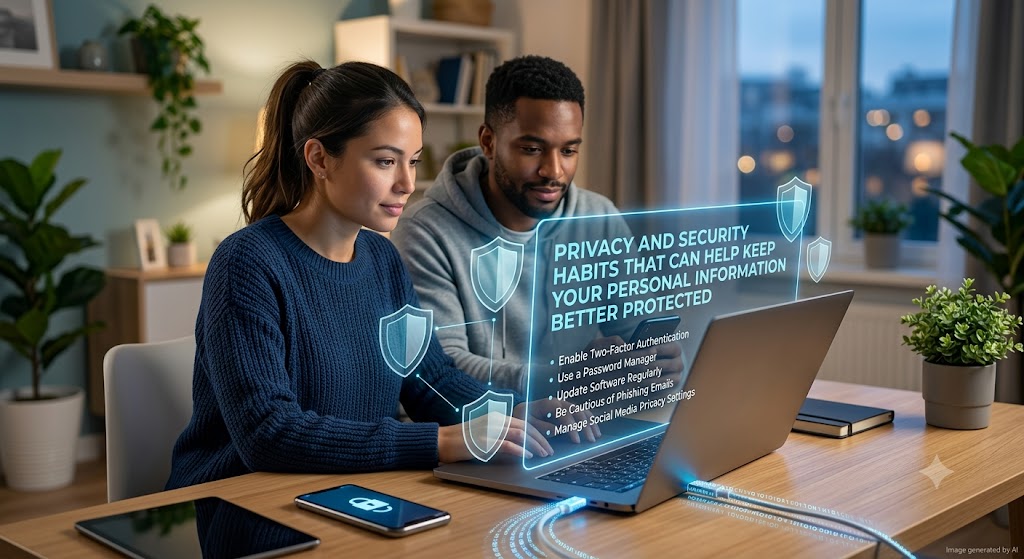
Digital Privacy • Everyday Protection
Protecting personal information is not about becoming afraid of technology. It is about developing simple habits that reduce unnecessary exposure and make it harder for others to access information that should remain private.
🛡️
Protect less by chance.
Protect more by habit.
Personal information is shared through many parts of modern life. Online accounts, shopping services, social platforms, email, financial services, mobile apps, and everyday websites can all collect different types of data. Some sharing is necessary for a service to work, but unnecessary exposure can create privacy and security risks.
Good privacy habits do not require someone to become a technology expert. In many cases, simple choices can provide meaningful protection. Using strong account security, reviewing what information is shared, being careful with unfamiliar requests, and keeping software updated are all practical steps that can become part of normal digital routines.
The goal is not to eliminate every possible risk. That is rarely realistic. The goal is to reduce avoidable risks and make important information more difficult to access, misuse, or expose accidentally.
FOUNDATION HABIT
Use Different Passwords for Important Accounts
Reusing the same password across multiple accounts can increase the impact of a single security problem. If one password becomes exposed, other accounts using the same password may also become vulnerable.
Using unique passwords helps limit this risk. A password manager can make it easier to create and remember strong, different passwords without relying on memory alone. For accounts that contain important personal information, additional security features can provide another layer of protection.
Passwords should not be shared casually through messages or stored in places where other people can easily access them. Treating passwords as reusable everyday information can create unnecessary exposure.
Unique
Use different passwords for different important accounts.
Strong
Avoid simple or easily guessed information whenever possible.
Private
Do not share passwords through unexpected or untrusted channels.
Add Extra Protection to Important Accounts
Many services offer additional account security features that require another verification step when signing in or performing sensitive actions. When available, these features can make unauthorized access more difficult even if a password is compromised.
It is also important to protect recovery information. Email addresses, recovery phone numbers, and other account recovery methods should remain current. If recovery information is outdated or controlled by someone else, regaining access to an account can become more difficult.
Think of account security in layers
A strong password is useful. An additional verification step and protected recovery information can make an important account more resilient.
Share Less Information When It Is Not Needed
Every online form does not necessarily need the same level of personal detail. Before sharing information, consider whether the service genuinely needs it for the requested activity.
Some details are necessary for purchases, account recovery, or other legitimate services. However, extra information should not be provided automatically simply because a form asks for it. A cautious approach can reduce the amount of personal data spread across different websites and services.
Before Sharing Personal Details, Consider:
- Why is this information being requested?
- Is the service or organization legitimate?
- Is the information necessary for the activity?
- Can the request be verified through an official source?
- What could happen if this information were exposed?
Review App and Account Permissions
Apps and online services can request access to features such as location, contacts, files, cameras, microphones, or other device information. Some permissions are necessary for a particular feature, while others may not be needed for the way you use the service.
Reviewing permissions occasionally can help you understand what information is being shared. If an app no longer needs access to a particular feature, consider whether the permission should remain active.
Location Access
Check whether continuous location access is necessary for the service to function.
Camera and Microphone
Allow access when it supports a feature you actively intend to use.
Contacts and Files
Consider whether broad access is needed before approving a request.
Keep Devices and Software Updated
Software updates can improve features and fix problems, including known security issues. Delaying updates for long periods may leave a device exposed to problems that have already been addressed by the developer.
Operating systems, browsers, apps, and security software should be reviewed regularly. Automatic updates can make this easier, especially for important security fixes.
Before installing major updates or unfamiliar software, use trusted sources. Avoid downloading applications or files from unexpected links when the official website or recognized app store provides a safer alternative.
Five Privacy Habits Worth Building
“`A quick check can prevent unnecessary exposure.
Avoid allowing one account problem to affect several others.
Remove access that no longer supports the way you use an app.
Updates can address problems that may otherwise remain exposed.
Do not let an unfamiliar message control where you click or what you share.
Be Careful When Using Shared or Public Devices
Using a shared computer or unfamiliar device can create additional privacy concerns. Sensitive accounts should be accessed carefully, and important information should not be left visible after use.
When using a shared environment, sign out of accounts when finished and avoid saving passwords on devices that other people may access. It can also be useful to review browser sessions and account activity if something appears unfamiliar.
Understand That Privacy Is an Ongoing Practice
Privacy settings and security needs can change as new services are used and technology develops. An account that was secure when it was created may need attention later if its password, recovery information, permissions, or connected services change.
Occasional reviews can help keep important information under better control. These reviews do not need to be complicated. Checking account settings, removing unused apps, reviewing connected devices, and updating important credentials can often be enough.
Better Protection Starts With Simple Choices
Personal information is easier to protect when privacy and security become part of normal digital habits instead of something considered only after a problem appears.
Start with one important account or device and improve its protection step by step. Strengthen passwords, review permissions, update software, and question unnecessary requests for information. Small, consistent habits can create a stronger foundation for protecting personal details over time.