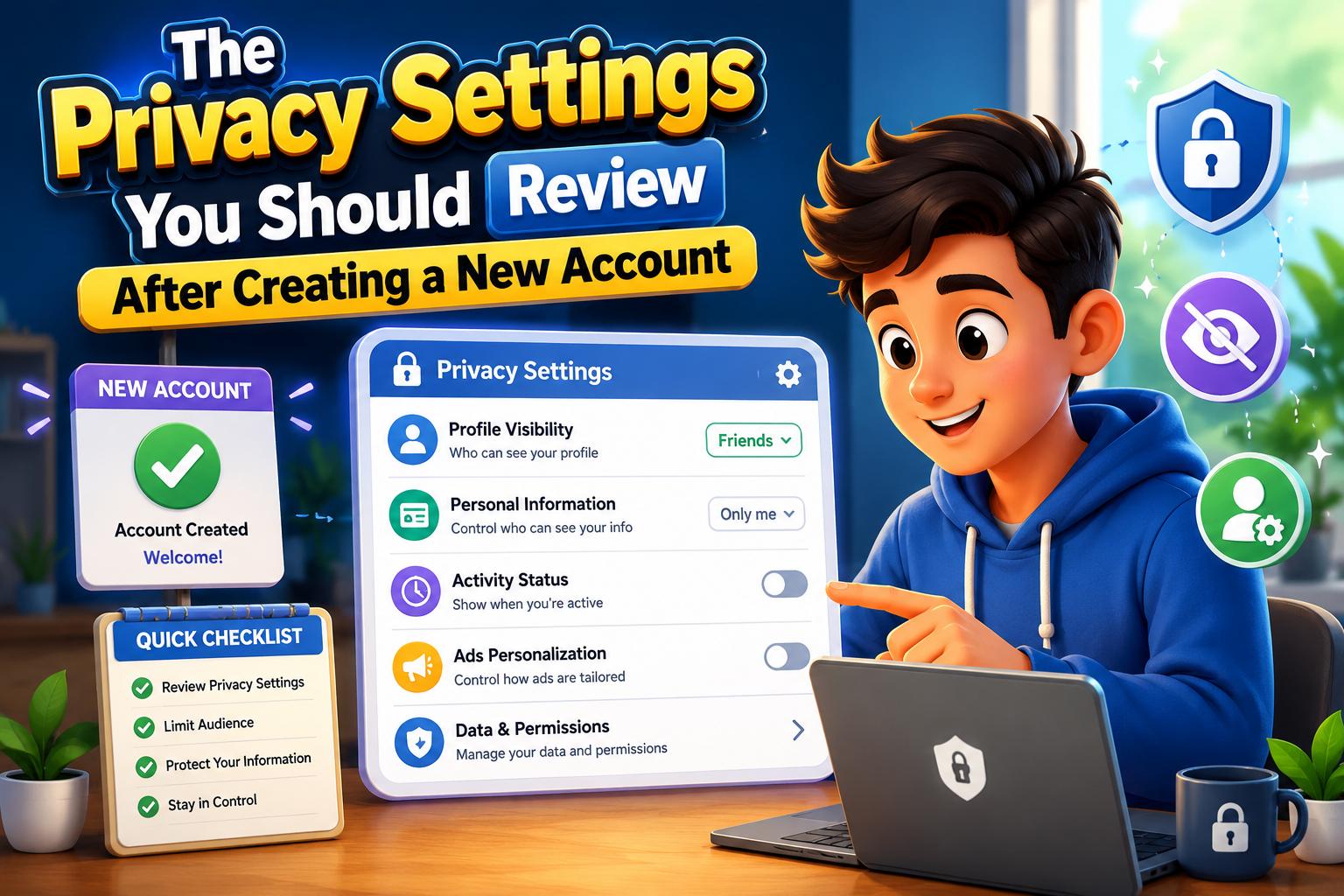
Creating a new online account takes only a few minutes, but the default privacy settings may not always match your preferences. Many websites and apps automatically enable profile visibility, personalized advertising, location sharing, and data collection unless you change them manually. Spending a little extra time reviewing these settings can help protect your personal information from unnecessary exposure.
Whether you’re signing up for a social media platform, shopping website, productivity app, or online community, checking your privacy settings early helps you stay in control of your digital footprint from the very beginning.
Privacy First
Review your settings before sharing personal information or connecting with others online.
Privacy Settings Worth Reviewing
Profile Visibility
Decide who can see your profile, posts, photos, and other public information. Restrict access whenever possible.
Contact Information
Choose whether your email address or phone number is visible to other users or kept private.
Location Sharing
Disable continuous location sharing unless it’s required for essential features.
Personalized Advertising
Review advertising preferences and limit data collection used for targeted ads if the option is available.
Search Visibility
Some services allow search engines to index your profile. Disable this if you prefer greater privacy.
Third-Party Connections
Review which external apps or services can access your account and disconnect those you don’t need.
Step-by-Step Privacy Review
Open Account Settings
Locate the privacy or security section immediately after creating your account.
Review Default Options
Don’t assume default settings provide maximum privacy. Check every important category individually.
Limit Public Information
Hide unnecessary profile details that don’t need to be visible to everyone.
Enable Extra Security
Turn on two-factor authentication and review account recovery options whenever available.
Review Permissions Regularly
As platforms evolve, revisit your privacy settings every few months to ensure they still match your preferences.
Quick Privacy Checklist
| Setting | Recommended Review |
|---|---|
| Public Profile | Limit who can view your information. |
| Location Access | Disable unless necessary. |
| Advertising Preferences | Review personalization settings. |
| Connected Apps | Remove unused integrations. |
| Security Features | Enable two-factor authentication. |
Frequently Asked Questions
Should I keep every default setting?
Not necessarily. Default settings often prioritize convenience over privacy, so reviewing them is a smart habit.
Can I change privacy settings later?
Yes. Most online services allow you to update privacy preferences whenever you choose.
Do all websites collect personal information?
Most websites collect some information, but the amount varies depending on the service and your chosen settings.
How often should I review my settings?
Checking them every few months or after major platform updates helps keep your preferences current.
Final Thoughts
Taking a few minutes to review privacy settings after creating a new account can significantly improve your online privacy. By limiting profile visibility, reducing unnecessary data sharing, enabling additional security features, and reviewing connected services, you stay in control of your personal information from the start. Building this habit makes every new online account safer and easier to manage in the future.