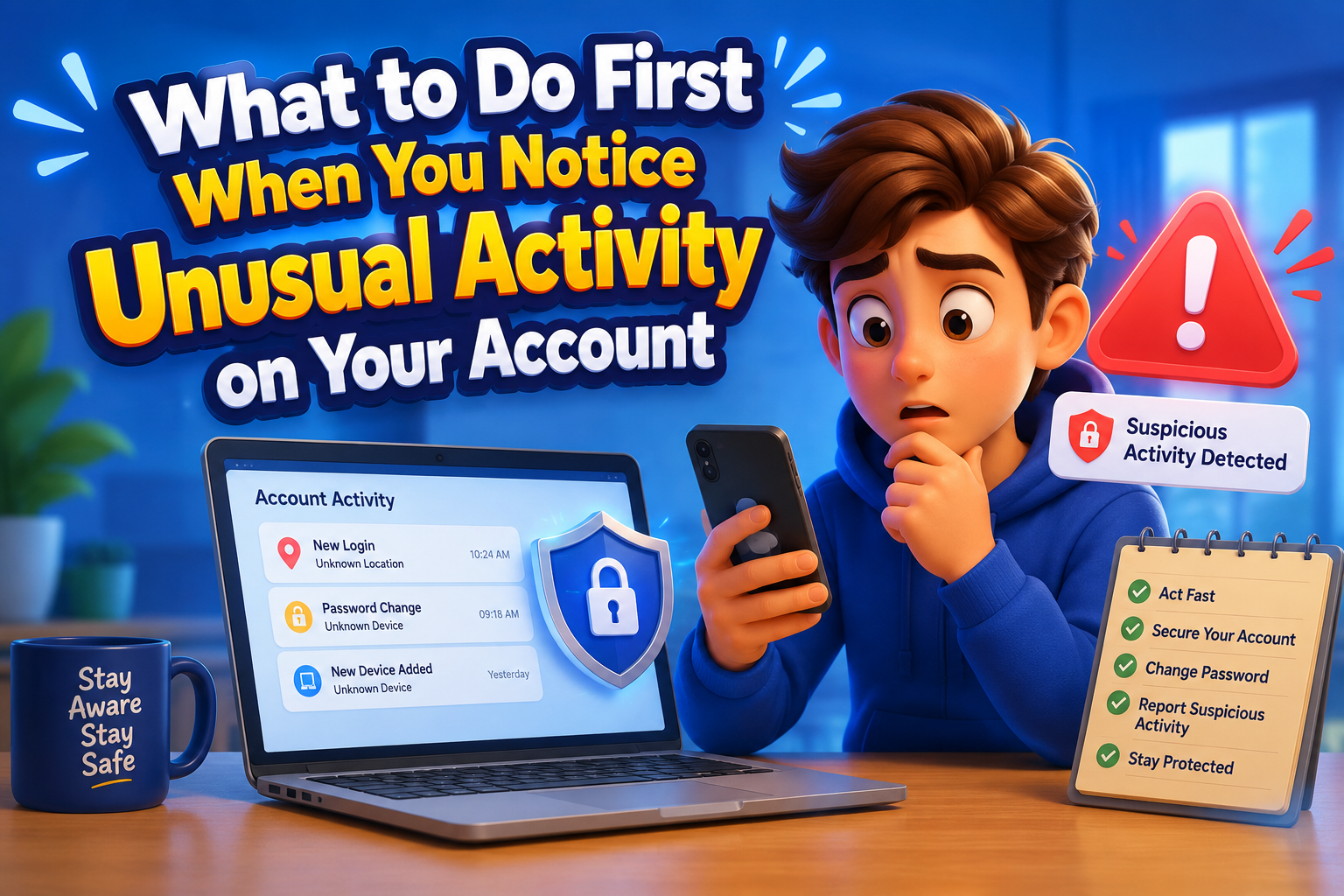
Unexpected password reset emails, unfamiliar login notifications, strange purchases, missing files, or profile changes you didn’t make can all be signs of unusual account activity. While these situations can feel stressful, acting quickly and following a clear plan can greatly reduce the risk of further unauthorized access. The first few minutes after noticing suspicious activity are often the most important for protecting your personal information and securing your account.
Rather than panicking, focus on confirming what happened, securing your account, and reviewing recent activity. A calm, organized response helps prevent additional problems while giving you the best chance of regaining full control.
Common Signs of Unusual Activity
Unexpected password reset requests, login alerts from unfamiliar locations, messages you didn’t send, missing emails, unfamiliar purchases, or changes to your profile settings may indicate that someone else has accessed your account.
Not every unusual notification means your account has been compromised. Sometimes login alerts are triggered by a new device, browser update, or while traveling. However, it’s always safer to investigate rather than ignore these warnings.
What to Do First
Secure Your Password
Immediately replace your password with a new, unique one that isn’t used on any other account.
Enable Two-Step Verification
If it isn’t already enabled, activate two-step verification to strengthen your account security.
Review Login History
Check recent login locations, devices, and timestamps for unfamiliar activity.
Sign Out Everywhere
Many online services allow you to sign out from all active devices with a single option.
Verify Recovery Information
Confirm that your recovery email address and phone number haven’t been changed without your knowledge.
Check Connected Apps
Review third-party apps and remove any that you no longer recognize or trust.
Security Review Table
| Area to Check | Recommended Action |
|---|---|
| Password | Create a strong new password immediately. |
| Login History | Review unfamiliar devices or locations. |
| Recovery Options | Verify phone numbers and email addresses. |
| Account Settings | Check for unauthorized profile changes. |
| Connected Apps | Remove unused or suspicious applications. |
| Security Features | Enable two-step verification if available. |
Common Mistakes to Avoid
- Ignoring unusual login notifications.
- Reusing the old password after changing it.
- Clicking links in suspicious emails.
- Waiting several days before taking action.
- Leaving unfamiliar devices connected.
- Forgetting to review recovery information.
Frequently Asked Questions
What if I can still access my account?
Secure it immediately by changing your password, reviewing security settings, enabling two-step verification, and checking login history.
What if I can’t sign in?
Use the account recovery options provided by the service and contact official customer support if necessary.
Should I change passwords on other accounts?
Yes, especially if the same password was used elsewhere.
How can I prevent future problems?
Use unique passwords, enable two-step verification, review account activity regularly, and keep recovery information current.
Final Thoughts
Noticing unusual activity on your account doesn’t always mean you’ve permanently lost access, but it does require immediate attention. By acting quickly, updating your password, reviewing login activity, enabling two-step verification, and checking your recovery settings, you can often stop further unauthorized access and strengthen your account against future threats. Developing the habit of monitoring important accounts regularly is one of the simplest ways to improve your overall digital security.