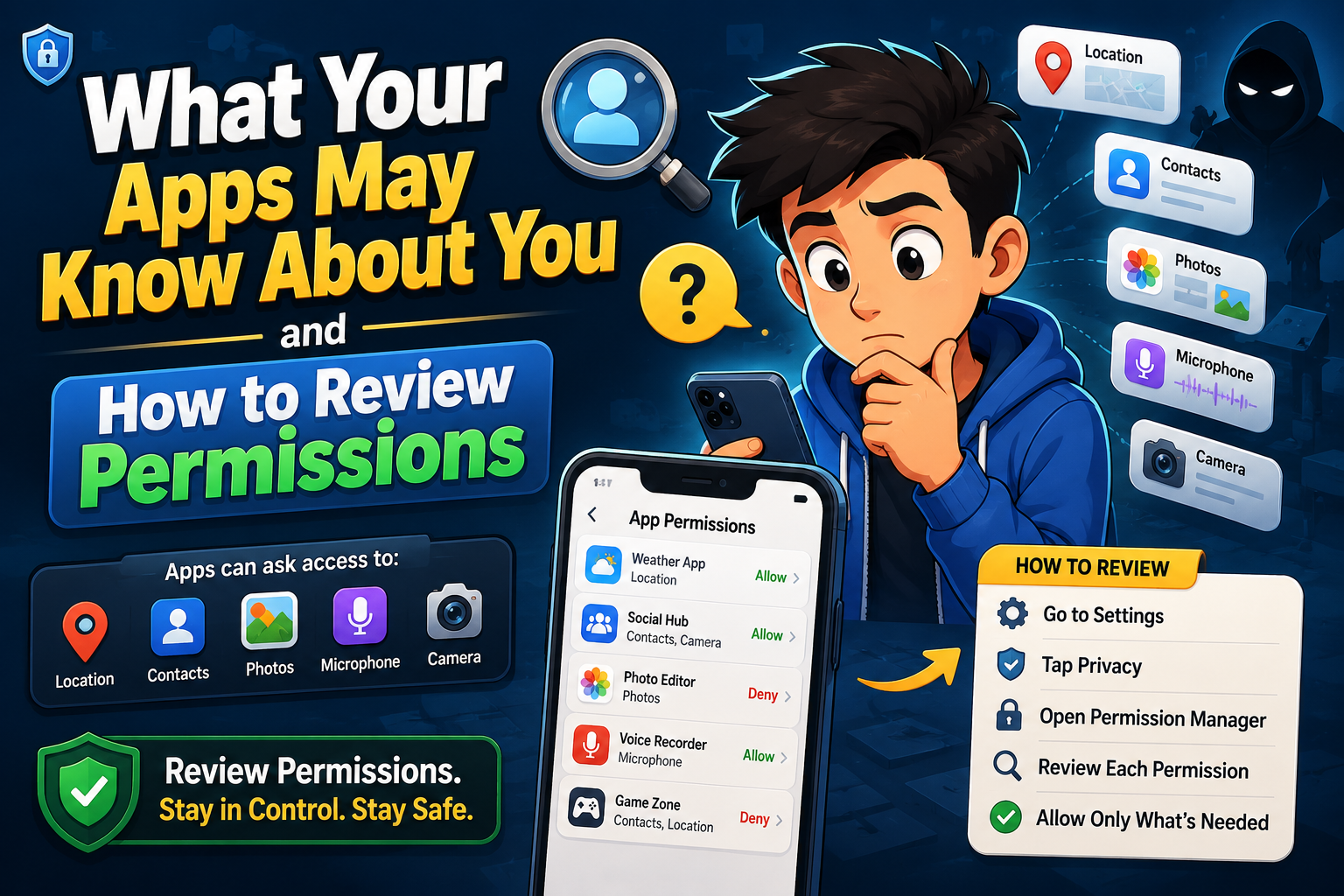
Information Apps May Collect
How to Review App Permissions
Open Device Settings
Navigate to your device’s privacy or application settings where permission controls are available.
Review Each Permission Category
Check which apps can access your location, camera, microphone, contacts, storage, and other sensitive information.
Remove Unnecessary Access
Disable permissions that aren’t required for the app’s core functionality.
Delete Unused Apps
Applications you no longer use may continue storing personal information or requesting updates.
Permission Review Table
| Permission | Ask Yourself |
|---|---|
| Location | Does this app truly need to know where I am? |
| Camera | Will I regularly use photo or video features? |
| Microphone | Is voice communication a key feature? |
| Contacts | Why does this app need my address book? |
| Storage | Is file access necessary for normal operation? |
Common Mistakes to Avoid
- Accepting every permission request automatically.
- Ignoring privacy settings after installation.
- Keeping unused apps installed indefinitely.
- Granting permanent location access unnecessarily.
- Downloading apps from untrusted sources.
- Never reviewing permissions after updates.
Frequently Asked Questions
Can I change permissions later?
Yes. Most operating systems allow you to modify app permissions at any time through your device settings.
Will apps stop working if I deny permissions?
Some features may become unavailable, but many apps continue working normally with limited permissions.
How often should I review permissions?
Checking them every few months or after installing new apps is a good privacy habit.
Should every app have location access?
No. Only apps that genuinely require your location for their primary purpose should receive that permission.
Final Thoughts
App permissions play a major role in protecting your personal information. By understanding what your apps may know about you, reviewing permission settings regularly, and removing unnecessary access, you gain greater control over your digital privacy. Small adjustments today can reduce unnecessary data collection and help you use technology with greater confidence.