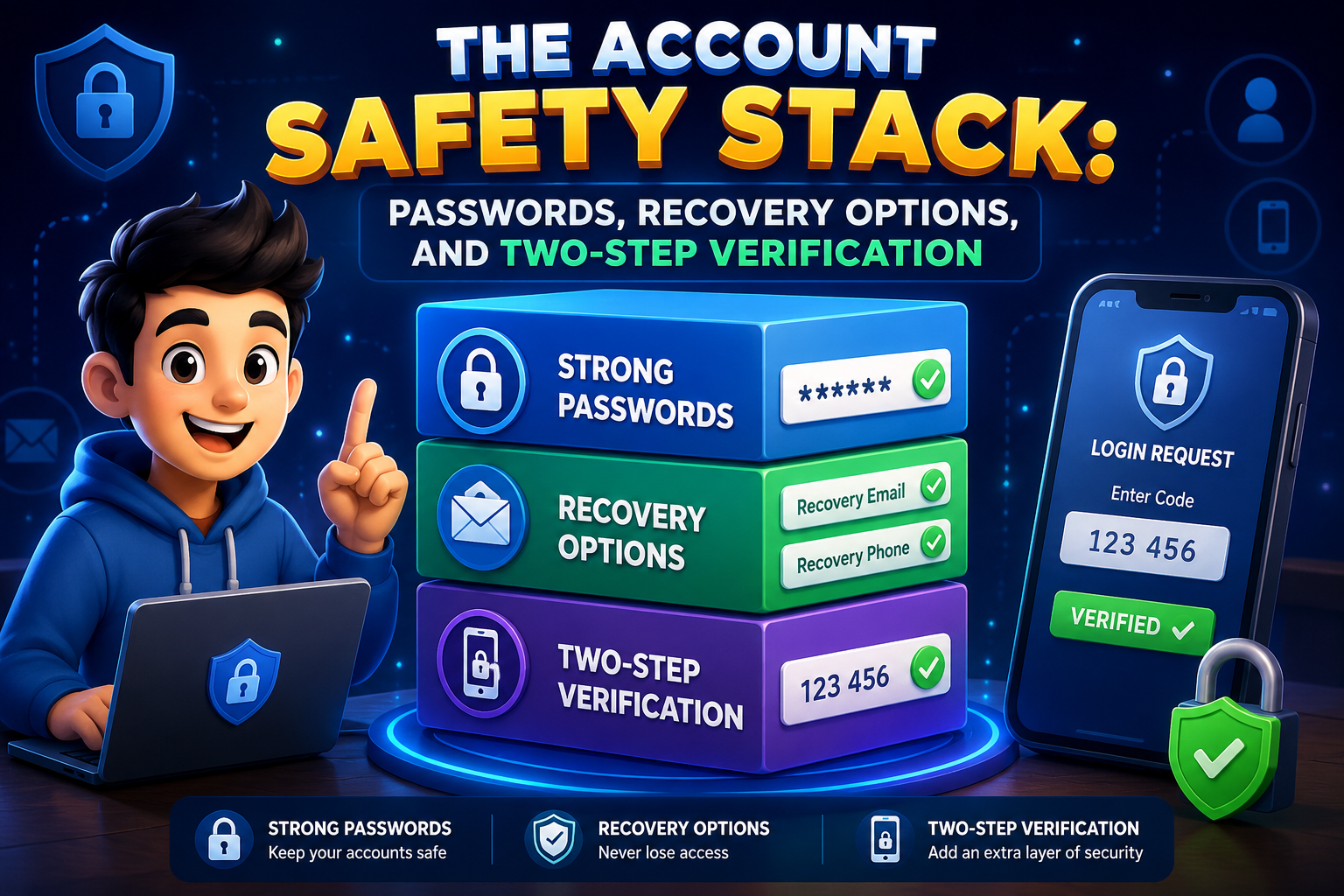
Every online account you create stores valuable information, from personal conversations and family photos to banking details and work documents. Because these accounts are so important, relying on a password alone is no longer enough. A stronger approach is to build an account safety stack—a combination of strong passwords, reliable recovery options, and two-step verification. Together, these security layers make it much harder for attackers to gain unauthorized access, even if one layer is compromised.
The good news is that creating this security stack doesn’t require advanced technical knowledge. With a few simple settings and regular maintenance, you can significantly improve the protection of your most important online accounts and reduce the chances of becoming a victim of common cyber threats.
Layer One: Strong and Unique Passwords
Passwords are the first line of defense for every online account. Weak or reused passwords remain one of the biggest reasons accounts become compromised. If attackers discover a password from one website, they often try the same password on email accounts, shopping websites, banking services, and social media platforms.
Create Unique Passwords
Use a different password for every important account. This prevents one security incident from affecting multiple services.
Choose Long Passwords
Long passwords or memorable passphrases are generally stronger than short combinations of letters and numbers.
Consider a Password Manager
A trusted password manager can securely store unique passwords and reduce the need to remember dozens of different logins.
Layer Two: Secure Recovery Options
Account recovery settings become important when you forget your password or lose access to your account. Unfortunately, outdated recovery information can also prevent you from regaining access when you need it most.
Verify Your Recovery Email
Ensure your recovery email address is current, secure, and protected with its own strong password and two-step verification.
Review Recovery Phone Numbers
Remove old phone numbers and replace them with current contact information so recovery messages reach you.
Store Backup Codes Safely
Many services provide emergency recovery codes. Save these in a secure offline location for future emergencies.
Check Recovery Settings Regularly
Review recovery information every few months, especially after changing phone numbers or email addresses.
Layer Three: Enable Two-Step Verification
Two-step verification adds an additional security layer beyond your password. After entering your password, you’ll also need to confirm your identity using a verification code, authentication app, security key, or another approved method. Even if someone learns your password, they typically cannot access your account without this second verification step.
Many popular online services now support two-step verification, and enabling it is one of the most effective security improvements you can make. Whenever available, use an authenticator app or hardware security key for stronger protection than text-message verification alone.
Building Your Complete Safety Stack
| Security Layer | Purpose |
|---|---|
| Unique Passwords | Protect each account independently. |
| Password Manager | Store and generate secure passwords. |
| Recovery Information | Restore account access safely. |
| Two-Step Verification | Add an extra verification layer. |
| Regular Security Reviews | Keep protection current over time. |
Common Mistakes to Avoid
- Using the same password across multiple websites.
- Ignoring outdated recovery phone numbers.
- Leaving recovery email accounts unsecured.
- Disabling two-step verification for convenience.
- Sharing verification codes with anyone.
- Never reviewing account security settings.
Frequently Asked Questions
Is two-step verification worth enabling?
Yes. It greatly reduces the likelihood of unauthorized access even if your password becomes known to someone else.
How often should I change my passwords?
Rather than changing strong passwords frequently, replace them immediately if you suspect they’ve been exposed or if a service reports a security incident.
What happens if I lose my phone?
Recovery codes, backup authentication methods, and updated recovery information help you regain access securely.
Should every account use these protections?
Your email, banking, shopping, cloud storage, and social media accounts should all be protected with the strongest security options available.
Final Thoughts
Account security works best when several protective layers work together. Strong passwords help keep attackers out, reliable recovery options ensure you can regain access if needed, and two-step verification provides an additional barrier against unauthorized logins. By treating these features as a complete account safety stack instead of separate tools, you create stronger everyday protection for your digital life while making it much harder for cybercriminals to compromise your accounts.