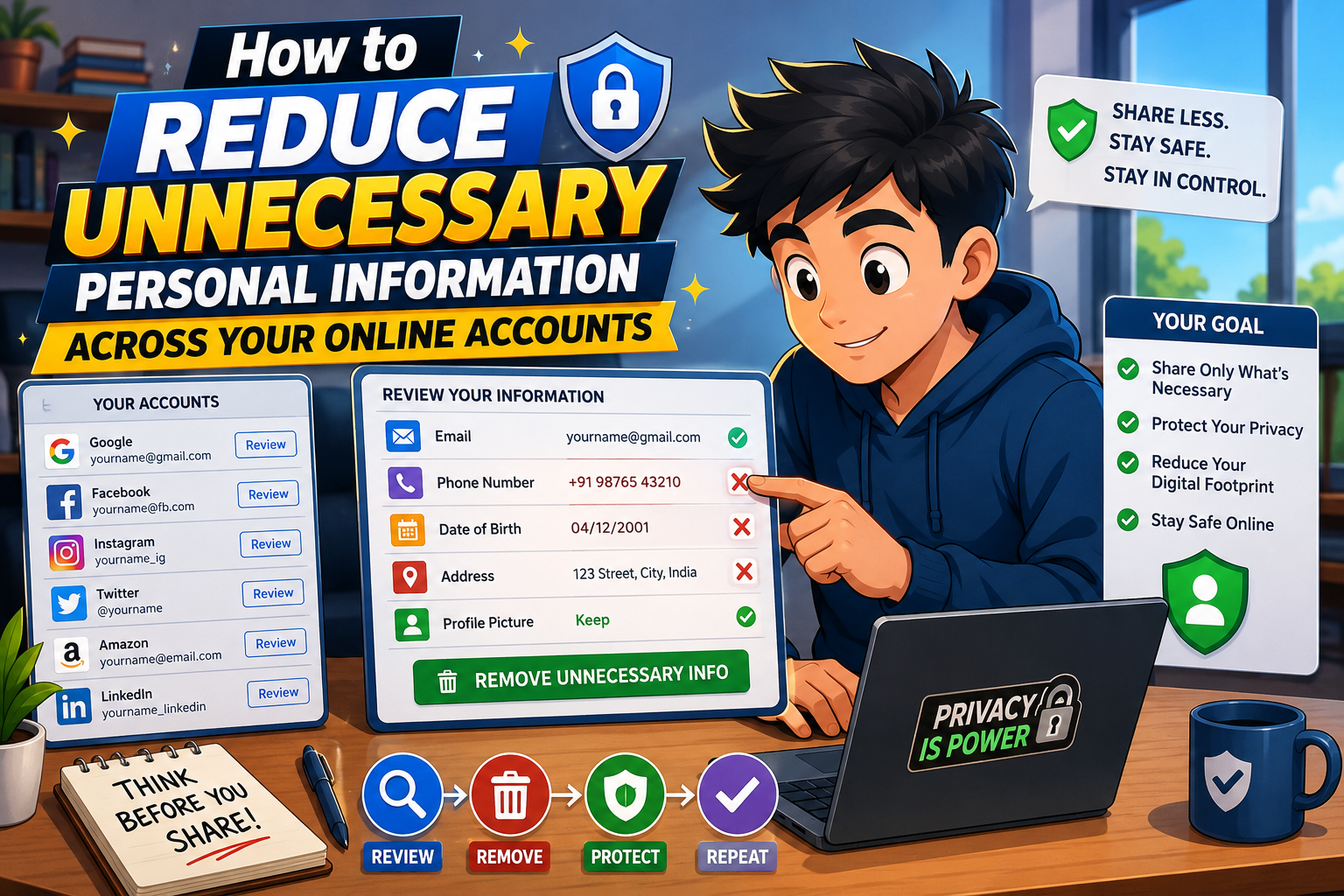
Every online account you create can store personal information such as your name, birthday, phone number, address, interests, and browsing habits. While some details are necessary for account functionality, many platforms collect far more information than they actually need. Reducing unnecessary personal information across your online accounts is one of the easiest ways to strengthen your digital privacy and minimize your exposure if an account is ever compromised.
A few minutes spent reviewing your profiles can significantly reduce the amount of personal data available to advertisers, cybercriminals, and unauthorized users.
Privacy Principle
Only provide information that is truly required. The less personal data you share, the less there is to misuse.
Where Extra Personal Information Often Appears
Social Profiles
Public birthdays, hometowns, workplaces, education history, and family information may reveal more than intended.
Shopping Accounts
Old delivery addresses, saved payment methods, and unnecessary profile details often remain stored for years.
Mobile Apps
Many apps request optional profile information even when it isn’t needed for their main purpose.
Online Forums
User biographies and public account details may unintentionally reveal personal habits or locations.
Simple Steps to Reduce Personal Information
Review Every Profile
Check account settings and remove information that is no longer necessary, such as outdated phone numbers, addresses, or employment details.
Limit Public Visibility
Adjust privacy settings so that only trusted contacts can view personal information whenever possible.
Delete Unused Accounts
Old accounts often continue storing personal information long after you’ve stopped using the service.
Remove Optional Details
If a profile field is optional and provides little benefit, consider leaving it blank.
Review Connected Apps
Disconnect third-party services that no longer require access to your accounts.
Quick Privacy Review
| Information | Consider Removing If Unnecessary |
|---|---|
| Birthday | Yes, if not required. |
| Phone Number | Old or secondary numbers. |
| Home Address | Unused delivery addresses. |
| Employment Details | Outdated workplace information. |
| Profile Biography | Personal details that reveal too much. |
Frequently Asked Questions
Why should I remove optional information?
Reducing unnecessary personal data lowers the amount of information that could be exposed during a data breach or misused by scammers.
Can I update privacy settings later?
Yes. Most online services allow you to modify profile details and privacy settings whenever needed.
Should every account include my real birthday?
Only if it’s genuinely required for account functionality or legal reasons.
How often should I review my online accounts?
Reviewing them every few months helps remove outdated information and maintain better privacy.
Final Thoughts
Reducing unnecessary personal information across your online accounts doesn’t require advanced technical knowledge. By reviewing profile details, limiting public visibility, deleting unused accounts, and sharing only what is truly necessary, you strengthen your privacy while reducing potential risks. Small changes made today can make your digital life more secure for the future.
Common Mistakes
- Completing every optional profile field.
- Leaving old addresses on shopping accounts.
- Keeping unused online accounts active.
- Sharing detailed biographies publicly.
- Ignoring privacy settings after registration.
- Connecting unnecessary third-party apps.
Privacy Checklist
- ✔ Remove unused profile details.
- ✔ Delete inactive accounts.
- ✔ Review privacy settings.
- ✔ Disconnect unused apps.
- ✔ Remove old addresses.
- ✔ Limit profile visibility.
- ✔ Share only essential information.
- ✔ Repeat reviews regularly.
Helpful Resource:
National Cybersecurity Alliance – Stay Safe Online