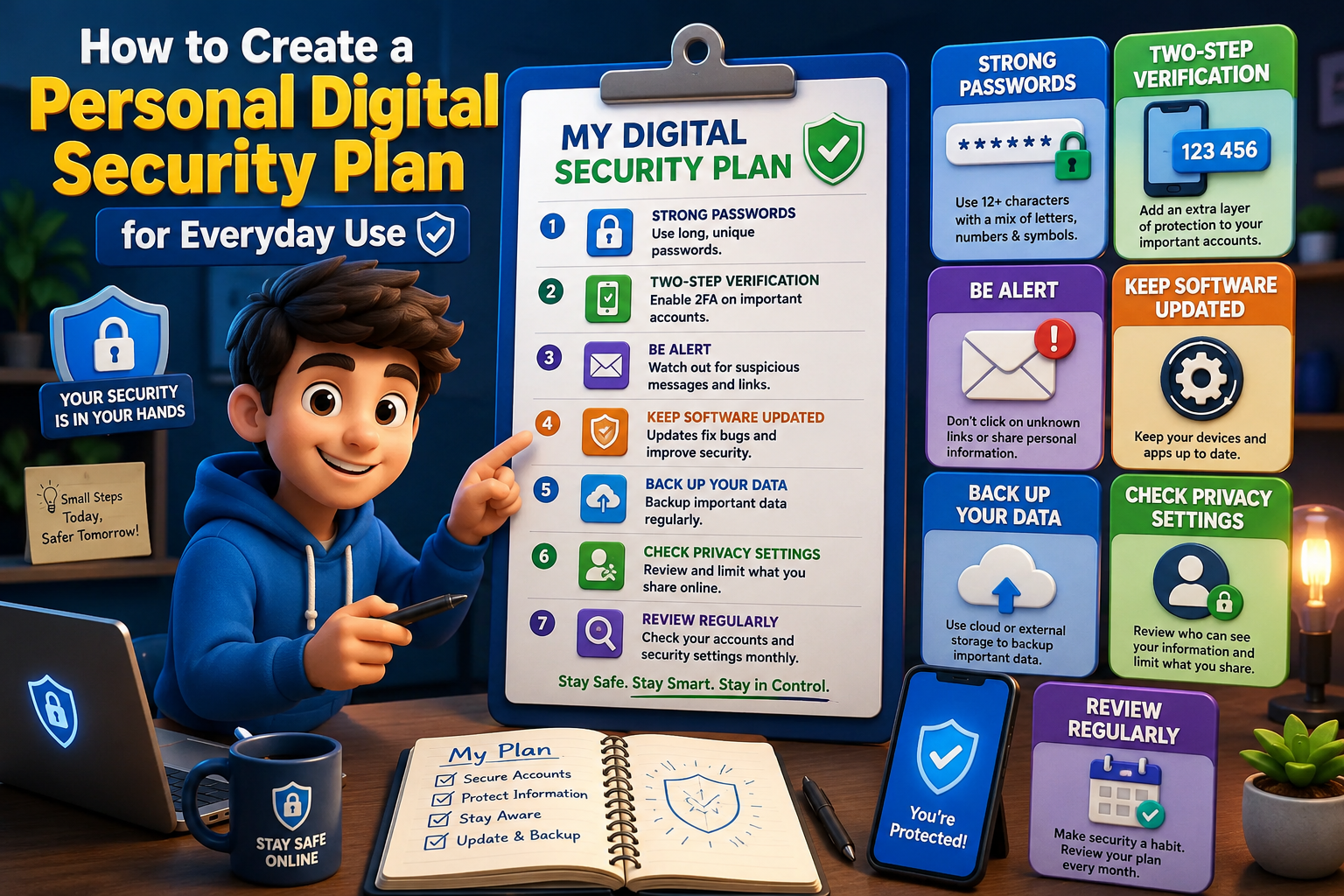
A personal digital security plan is a simple routine that helps you protect your devices, accounts, and personal information every day. Instead of reacting after a security problem occurs, having a clear plan allows you to build healthy online habits that reduce risk. The best part is that your plan doesn’t need to be complicated—it simply needs to be consistent and easy to follow.
Build Your Everyday Digital Security Plan
Secure Every Account
Create strong, unique passwords for important accounts and enable two-factor authentication wherever possible.
Keep Devices Updated
Install operating system and application updates regularly to fix security vulnerabilities before they can be exploited.
Protect Personal Information
Share only necessary information online and review privacy settings on websites and apps.
Create Backup Habits
Regularly back up valuable documents and photos to reduce the impact of device failures or ransomware attacks.
Recognize Online Threats
Be cautious with unexpected emails, suspicious links, and urgent requests for money or personal information.
Review Monthly
Schedule a monthly review of passwords, app permissions, connected devices, and account activity.
Weekly Security Routine
| Task | Frequency |
|---|---|
| Check account activity | Weekly |
| Install updates | Whenever available |
| Backup important files | Weekly |
| Review privacy settings | Monthly |
| Remove unused apps | Monthly |
Common Mistakes to Avoid
- Using the same password across multiple accounts.
- Ignoring software updates for long periods.
- Never reviewing privacy settings.
- Clicking unexpected links without verification.
- Keeping inactive online accounts.
- Skipping regular backups.
Frequently Asked Questions
Do I need expensive security software?
No. Many effective security habits rely on built-in device features and consistent routines rather than expensive tools.
How often should I review my security plan?
A monthly review works well for most people, with updates whenever you create new accounts or purchase new devices.
Why are backups important?
Backups help you recover valuable files if your device is lost, damaged, or affected by malware.
Can beginners follow this plan?
Yes. The plan focuses on simple daily and monthly habits that anyone can develop without technical knowledge.
Final Thoughts
A personal digital security plan doesn’t need to be perfect to be effective. Small actions such as updating devices, protecting passwords, reviewing privacy settings, and backing up important files create strong long-term protection. By making these habits part of your everyday routine, you’ll spend less time worrying about online risks and more time using technology with confidence.