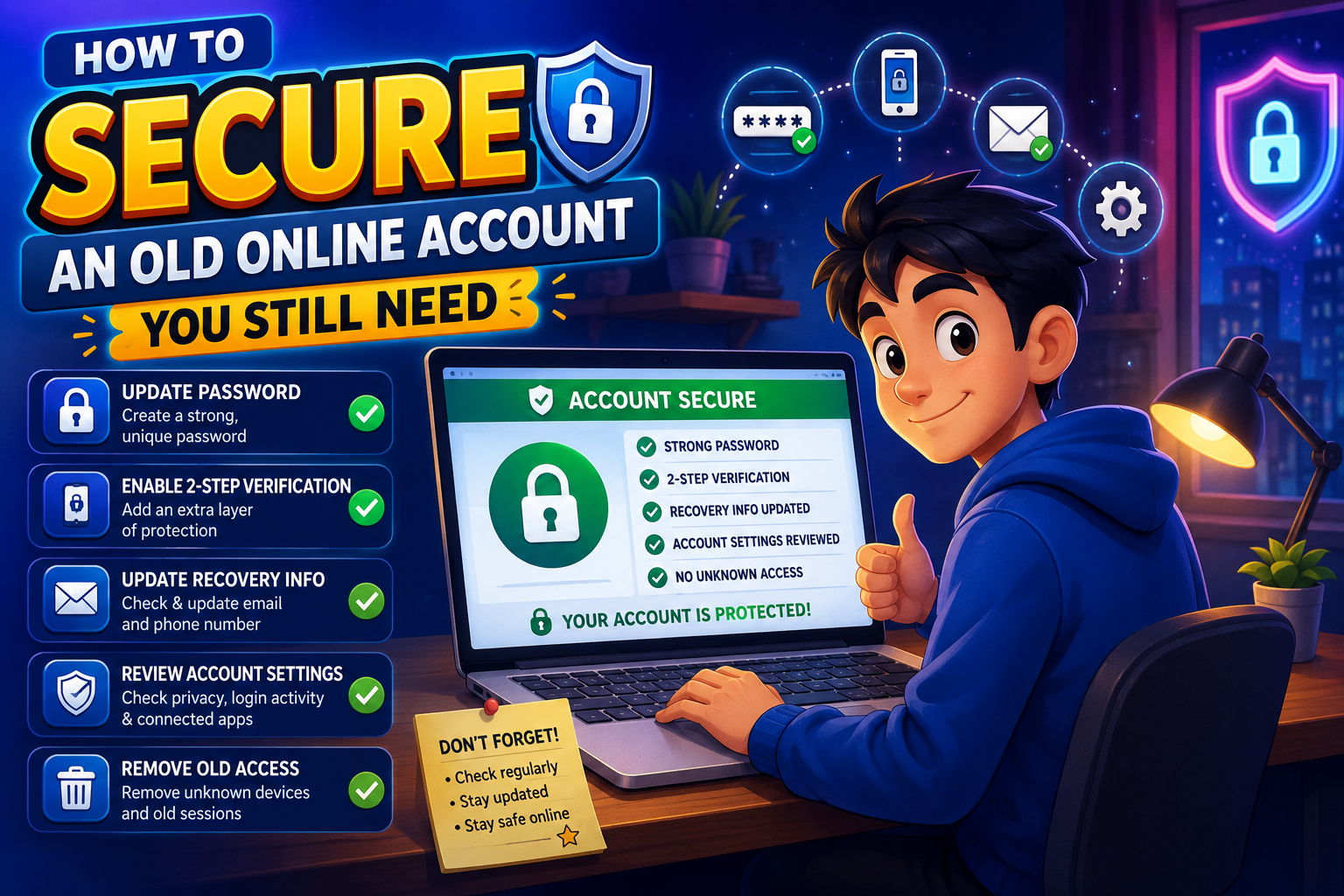
Many people still rely on online accounts they created years ago. These may include email accounts, shopping websites, cloud storage services, discussion forums, or social media profiles that continue to store valuable information. Unfortunately, older accounts often use outdated security settings, weak passwords, or recovery information that is no longer accurate. Rather than abandoning these accounts, taking time to secure them can greatly reduce your exposure to identity theft, account hijacking, and unauthorized access.
A complete security review usually takes less than an hour, yet it can provide long-term protection for important accounts you still use every day.
Protect
Review • Update • Secure
Why Older Accounts Need Extra Attention
Older online accounts were often created before today’s security features became common. Password requirements may have been weaker, two-step verification might not have existed, and recovery information could now be outdated. Over the years, you’ve also likely shared more personal information than you remember.
Old Passwords
Passwords created years ago may be short, reused, or exposed in previous data breaches.
Outdated Recovery Details
Old email addresses or phone numbers can make account recovery difficult or insecure.
Stored Personal Information
Old profiles may still contain addresses, birthdays, payment methods, or outdated personal details.
Unused Connected Apps
Third-party applications connected years ago may still have access to your account.
Step-by-Step Security Review
Change Your Password
Create a new, unique password using a long passphrase or a password manager to generate a secure option.
Enable Two-Step Verification
If the service supports it, activate two-step verification to add another layer of account protection.
Update Recovery Information
Replace outdated recovery email addresses and phone numbers with current information that only you can access.
Review Account Activity
Look for unfamiliar devices, suspicious login attempts, or recent activity you don’t recognize.
Remove Old Data
Delete unnecessary personal information, outdated payment methods, saved addresses, and files you no longer need.
Disconnect Unused Apps
Review linked services and remove applications that no longer require access to your account.
Old Account Security Checklist
| Security Task | Recommended Action |
|---|---|
| Password | Create a strong, unique replacement. |
| Recovery Options | Verify email addresses and phone numbers. |
| Two-Step Verification | Enable if available. |
| Connected Devices | Remove unfamiliar or unused devices. |
| Personal Information | Delete outdated profile details. |
| Third-Party Apps | Disconnect unnecessary access. |
Common Mistakes to Avoid
- Keeping passwords unchanged for many years.
- Ignoring outdated recovery email addresses.
- Leaving old payment methods saved.
- Never reviewing login history.
- Keeping unnecessary third-party connections.
- Assuming an old account is automatically secure.
Frequently Asked Questions
Should I delete old accounts instead?
If you no longer need an account, deleting it may be the best option. However, accounts you still rely on should be fully secured rather than ignored.
Is changing the password enough?
No. A complete security review should also include recovery information, privacy settings, connected apps, and login activity.
How often should I review older accounts?
Checking them every six to twelve months helps keep security settings current and reduces unnecessary risks.
What if I don’t recognize recent account activity?
Immediately change your password, sign out of other devices if possible, and review your security settings for any unauthorized changes.
Final Thoughts
Old online accounts often contain years of personal information, making them valuable targets for attackers. By updating passwords, reviewing recovery options, enabling two-step verification, removing outdated data, and checking account activity, you can greatly improve your long-term security. Building a habit of reviewing older accounts every year ensures they continue to meet today’s security standards rather than relying on outdated protections from the past.