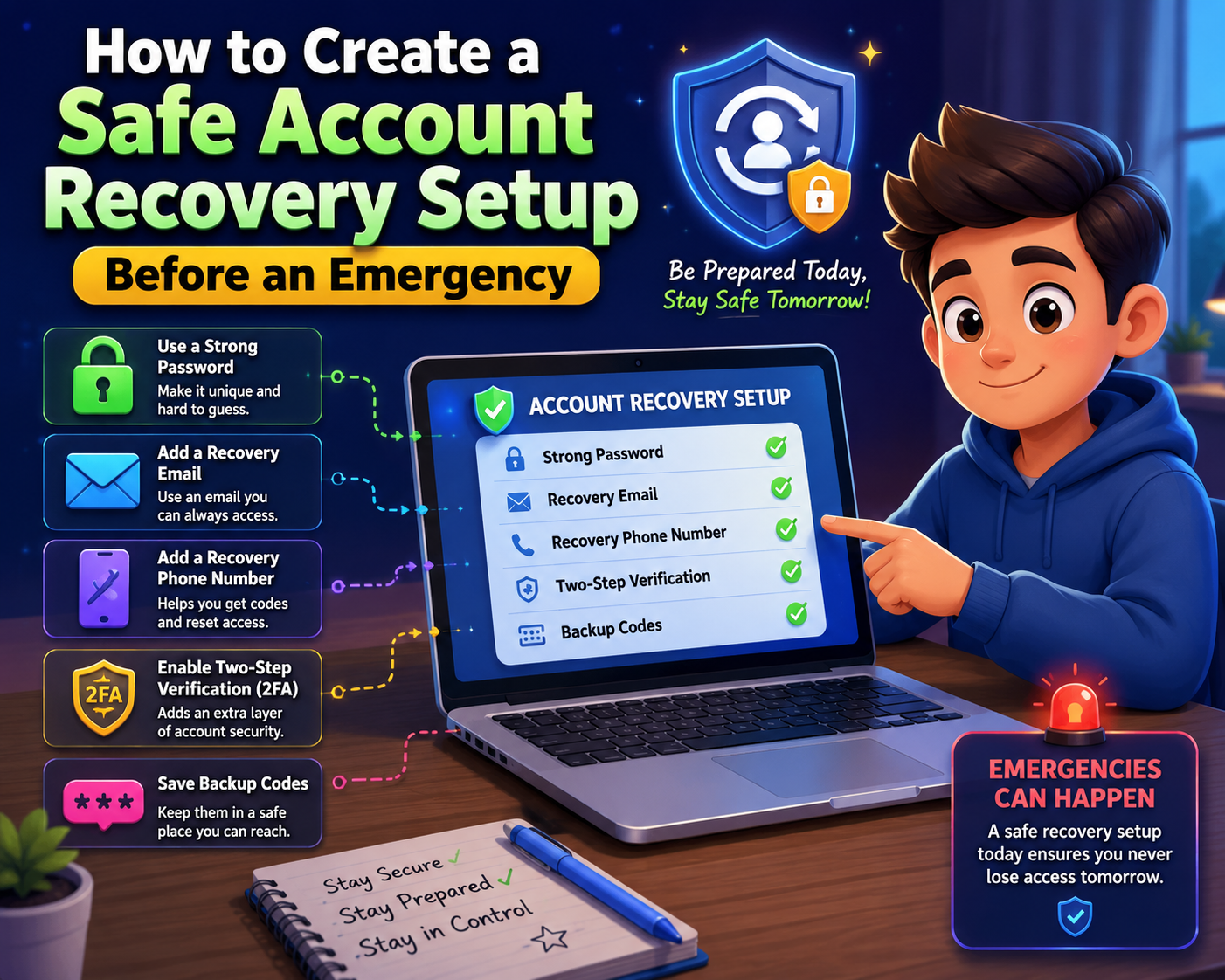
Why Account Recovery Matters
Passwords are only one part of account security. If you ever forget your password or lose access to your primary device, recovery options help verify your identity. Weak or outdated recovery settings can leave you unable to regain access or, even worse, allow someone else to reset your account if they gain access to an old phone number or email address.
Recovery Email
Use a secure email account that you actively monitor and protect with its own strong password and two-step verification.
Recovery Phone
Keep your phone number current so verification codes are sent to the correct device.
Backup Codes
Save recovery codes in a secure offline location where they can be accessed during an emergency.
Trusted Devices
Regularly review devices that remain signed in and remove those you no longer use.
Step-by-Step Recovery Setup
Review Existing Recovery Options
Check whether your recovery email, phone number, and backup methods are accurate and accessible.
Replace Outdated Information
Remove old contact details that you no longer control to reduce the risk of failed account recovery.
Enable Two-Step Verification
Strengthen your account with an additional verification layer while also storing emergency recovery codes safely.
Protect Your Recovery Email
Your recovery email should be one of your most secure accounts because it can often reset other passwords.
Test the Recovery Process
Review available recovery methods so you understand how they work before an actual emergency occurs.
Review Regularly
Whenever you change phones or email addresses, immediately update your recovery settings across important accounts.
Recovery Preparation Checklist
| Recovery Item | Recommended Action |
|---|---|
| Recovery Email | Verify it is current and secure. |
| Recovery Phone | Update after changing numbers. |
| Backup Codes | Store safely offline. |
| Trusted Devices | Remove old or unused devices. |
| Two-Step Verification | Enable whenever available. |
| Recovery Review | Check every few months. |
Common Mistakes to Avoid
- Leaving an old recovery email connected.
- Forgetting to update your phone number.
- Ignoring backup recovery codes.
- Keeping unused devices signed in.
- Using an unsecured recovery email account.
- Waiting until you’re locked out to review settings.
Frequently Asked Questions
How often should I review recovery settings?
Every few months or immediately after changing your phone number, email address, or primary device.
Are backup recovery codes important?
Yes. They provide another way to regain access if your usual verification method isn’t available.
Can I use the same recovery email for multiple accounts?
You can, but make sure that recovery email is strongly protected because many accounts depend on it.
Should I test account recovery?
Understanding the recovery process before an emergency helps you respond more confidently if you ever lose access.
Final Thoughts
Creating a safe account recovery setup before an emergency is one of the smartest ways to protect your digital life. Accurate recovery information, secure backup methods, two-step verification, and regular reviews make it much easier to regain access if something goes wrong. Investing a little time today ensures that future account recovery is faster, safer, and far less stressful.
Recovery Readiness Checklist
- ✔ Verify recovery email.
- ✔ Confirm phone number.
- ✔ Save backup codes.
- ✔ Enable two-step verification.
- ✔ Review trusted devices.
- ✔ Remove outdated recovery methods.
- ✔ Update settings after major changes.
- ✔ Review accounts regularly.
Quick Reminder
The best time to prepare your recovery settings is before you need them. Spending a few minutes today can prevent hours of frustration during an unexpected account lockout.
Helpful Resource:
National Cybersecurity Alliance – Stay Safe Online