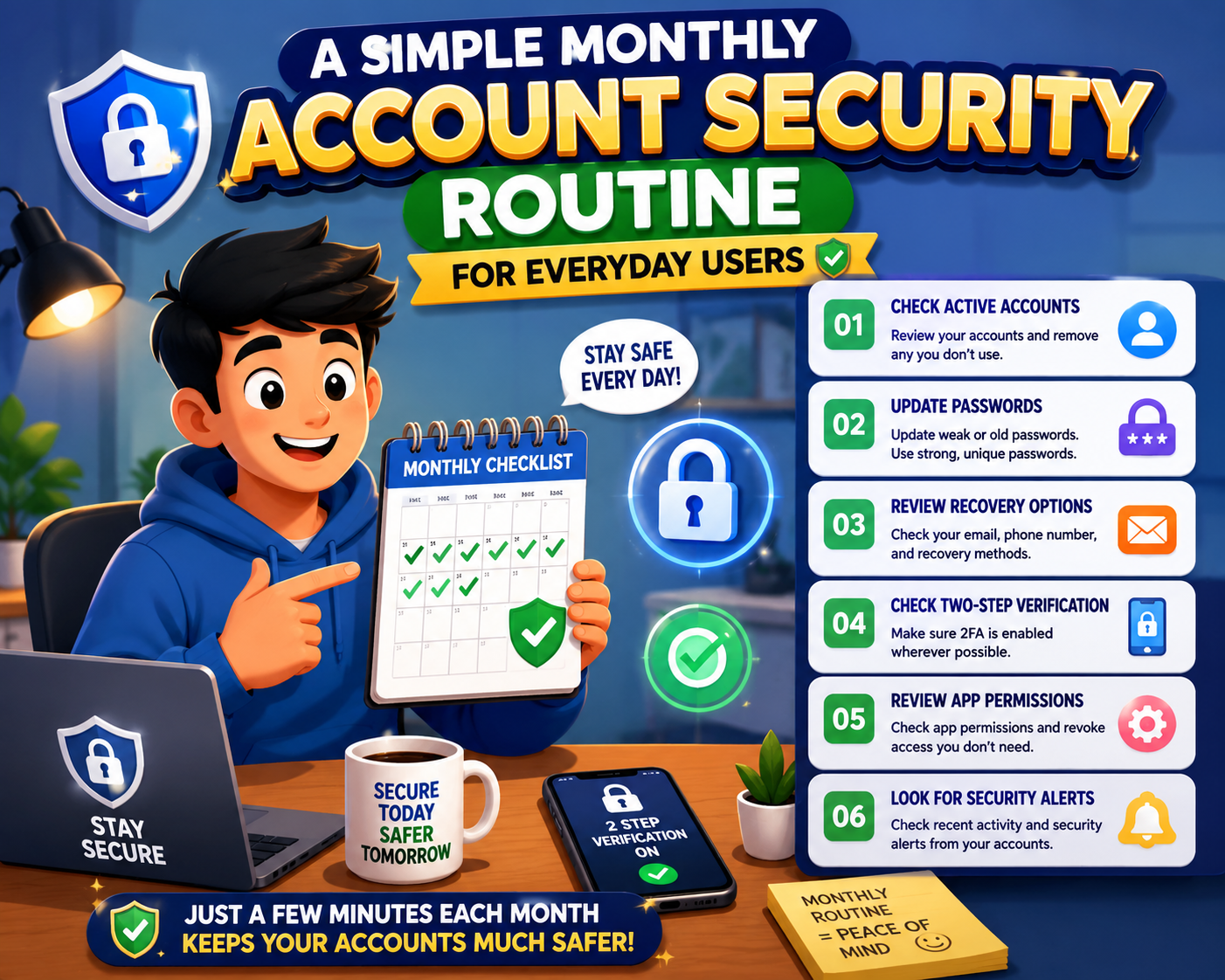
Keeping your online accounts secure doesn’t require daily effort or advanced technical skills. A simple monthly account security routine helps you catch small problems before they become serious security risks. Spending just 20 to 30 minutes each month reviewing your important accounts can improve password security, protect personal information, and reduce the chances of unauthorized access.
Instead of waiting until something goes wrong, building a regular monthly habit allows you to stay in control of your digital life. Whether you use email, online banking, shopping websites, cloud storage, or social media, the same routine can help protect all of them.
20–30 Minutes
Recommended monthly review time.
5 Simple Steps
Easy tasks anyone can complete.
Every Month
Consistency matters more than complexity.
Better Protection
Small habits reduce long-term security risks.
Your Monthly Security Routine
Review Recent Login Activity
Look through recent login history for unfamiliar devices, locations, or times. If anything appears suspicious, investigate immediately and change your password.
Check Password Strength
Verify that your important accounts still use strong, unique passwords. Replace weak or reused passwords whenever necessary.
Review Recovery Information
Confirm your recovery email address and phone number are still current and accessible.
Update Software
Install pending updates for your operating system, browser, password manager, and security software.
Review Privacy Settings
Remove unnecessary personal information, review connected apps, and adjust privacy settings if your needs have changed.
Important Areas to Review
Passwords
Update passwords that are weak, reused, or suspected of being exposed.
Two-Step Verification
Ensure it remains enabled and verify that backup methods still work.
Connected Devices
Remove devices you no longer use or don’t recognize.
Third-Party Apps
Disconnect applications that no longer require access to your accounts.
Personal Information
Review profile details and remove outdated addresses, phone numbers, or other unnecessary information.
Account Notifications
Verify that security alerts are enabled so you’ll know if unusual activity occurs.
Monthly Security Checklist
| Task | Recommended Frequency |
|---|---|
| Review login history | Monthly |
| Check passwords | Monthly |
| Verify recovery options | Monthly |
| Install updates | Whenever available |
| Review privacy settings | Monthly |
| Disconnect unused apps | Monthly |
Common Mistakes to Avoid
- Only checking security after a problem occurs.
- Ignoring login notifications from unfamiliar devices.
- Leaving outdated recovery information unchanged.
- Keeping inactive third-party apps connected.
- Skipping software updates for long periods.
- Reusing passwords across multiple accounts.
Frequently Asked Questions
How long does a monthly review usually take?
For most people, a complete review takes between 20 and 30 minutes.
Should I review every online account?
Focus first on important accounts such as email, banking, shopping, cloud storage, and social media.
Do I need to change my password every month?
Not necessarily. Strong passwords only need changing if they’re weak, reused, or suspected of being compromised.
Why is consistency important?
Regular reviews help identify small security issues before they develop into larger problems.
Final Thoughts
A monthly account security routine is one of the simplest habits you can build for better digital safety. By reviewing passwords, login history, recovery options, connected apps, and privacy settings every month, you reduce your chances of unauthorized access while keeping your accounts organized and secure. Small, consistent actions often provide stronger long-term protection than waiting until an emergency occurs.