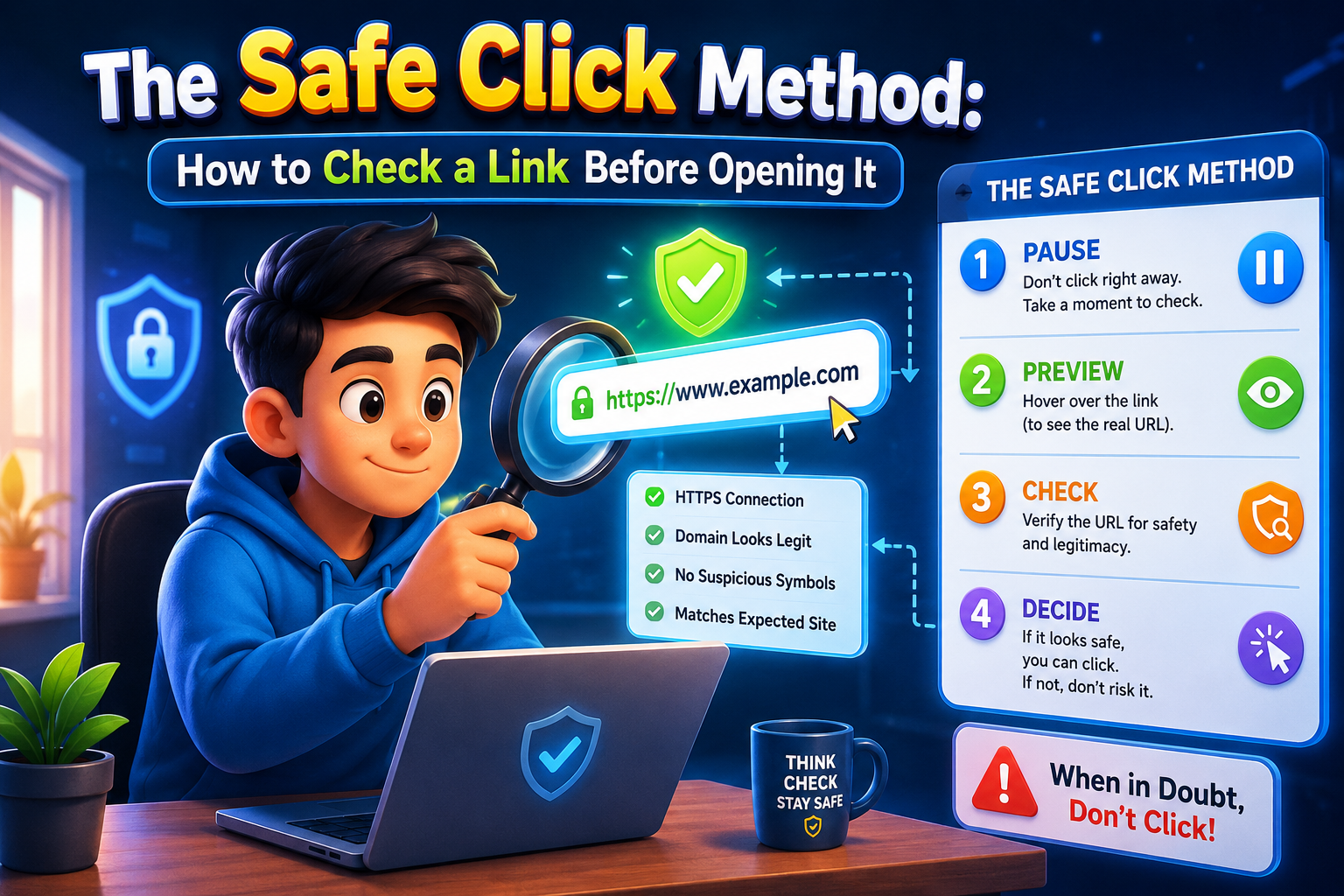
The Safe Click Method: How to Check a Link Before Opening It
Every day, people receive links through emails, text messages, social media, and messaging apps. Learning how to verify a link before opening it can reduce the risk of phishing, malware, and online scams. This guide explains practical steps anyone can follow to browse more safely.
Introduction
The Safe Click Method is a simple habit that helps you inspect a link before clicking it. Cybercriminals often disguise dangerous websites to look like trusted services. A single careless click can expose personal information, install harmful software, or lead to financial loss.
Fortunately, checking a link only takes a few seconds. By understanding what suspicious links look like and using trusted verification methods, you can protect yourself and your devices while browsing the internet with greater confidence.
Why Checking Links Matters
Many online attacks begin with a deceptive link. These links may arrive through fake delivery notifications, banking alerts, social media messages, or emails pretending to come from well-known companies.
When someone opens a malicious website, attackers may try to steal passwords, collect personal details, or trick users into downloading harmful files. Developing safe browsing habits greatly reduces these risks.
Common sources of risky links
- Email phishing messages
- Fake customer support messages
- Unexpected text messages
- Social media direct messages
- Shortened URLs from unknown sources
The Safe Click Method: How to Check a Link Before Opening It
Step 1: Hover over the link
On desktop devices, move your mouse over the hyperlink without clicking. Most browsers display the destination URL near the bottom of the screen. Verify that the website address matches the organization you expect.
Step 2: Read the domain carefully
Attackers often register domains that closely resemble legitimate websites. For example, a fake domain may replace letters with numbers or add extra words to confuse users.
Step 3: Look for HTTPS
While HTTPS does not guarantee a website is trustworthy, it encrypts the connection between your browser and the website. Avoid entering sensitive information on websites that do not use HTTPS.
Step 4: Be cautious with shortened links
URL shorteners hide the final destination. Unless the sender is trusted, consider expanding shortened links using a reputable preview service before opening them.
Step 5: Think before you click
If a message creates urgency, promises unrealistic rewards, or pressures you into immediate action, pause and verify its authenticity through official channels.
Quick Link Safety Checklist
| Check | Why It Matters |
|---|---|
| Verify the domain name | Prevents visiting fake websites. |
| Inspect HTTPS | Confirms the connection is encrypted. |
| Check the sender | Helps identify phishing attempts. |
| Avoid unexpected downloads | Reduces malware risks. |
| Use trusted security software | Adds another layer of protection. |
Common Mistakes to Avoid
- Clicking links simply because they appear urgent.
- Trusting links sent by unknown contacts.
- Ignoring spelling mistakes in website addresses.
- Downloading attachments without verification.
- Entering passwords after following unexpected links.
Safe Browsing Checklist
- ✔ Inspect the destination before clicking.
- ✔ Verify the website’s domain.
- ✔ Look for HTTPS encryption.
- ✔ Avoid suspicious shortened URLs.
- ✔ Confirm unexpected messages through official channels.
- ✔ Keep your browser and antivirus software updated.
Helpful Resource: Federal Trade Commission – How to Recognize and Avoid Phishing Scams
Frequently Asked Questions
1. Is HTTPS enough to prove a website is safe?
No. HTTPS protects data during transmission, but scammers can also use HTTPS. Always verify the website’s domain and reputation.
2. Are shortened URLs dangerous?
Not always, but they hide the destination. If you do not trust the sender, verify the link before opening it.
3. What should I do if I accidentally clicked a suspicious link?
Close the webpage immediately, avoid downloading files, run a security scan, and change important passwords if you entered any sensitive information.
4. Can mobile users check links too?
Yes. Many smartphones allow users to long-press a link to preview the destination before opening it.
Conclusion
The Safe Click Method is an easy habit that significantly improves online security. Spending a few seconds checking a link before opening it can help prevent phishing attacks, malware infections, and identity theft. By verifying website addresses, recognizing suspicious messages, and relying on trusted sources, you can browse the internet more safely and confidently every day.