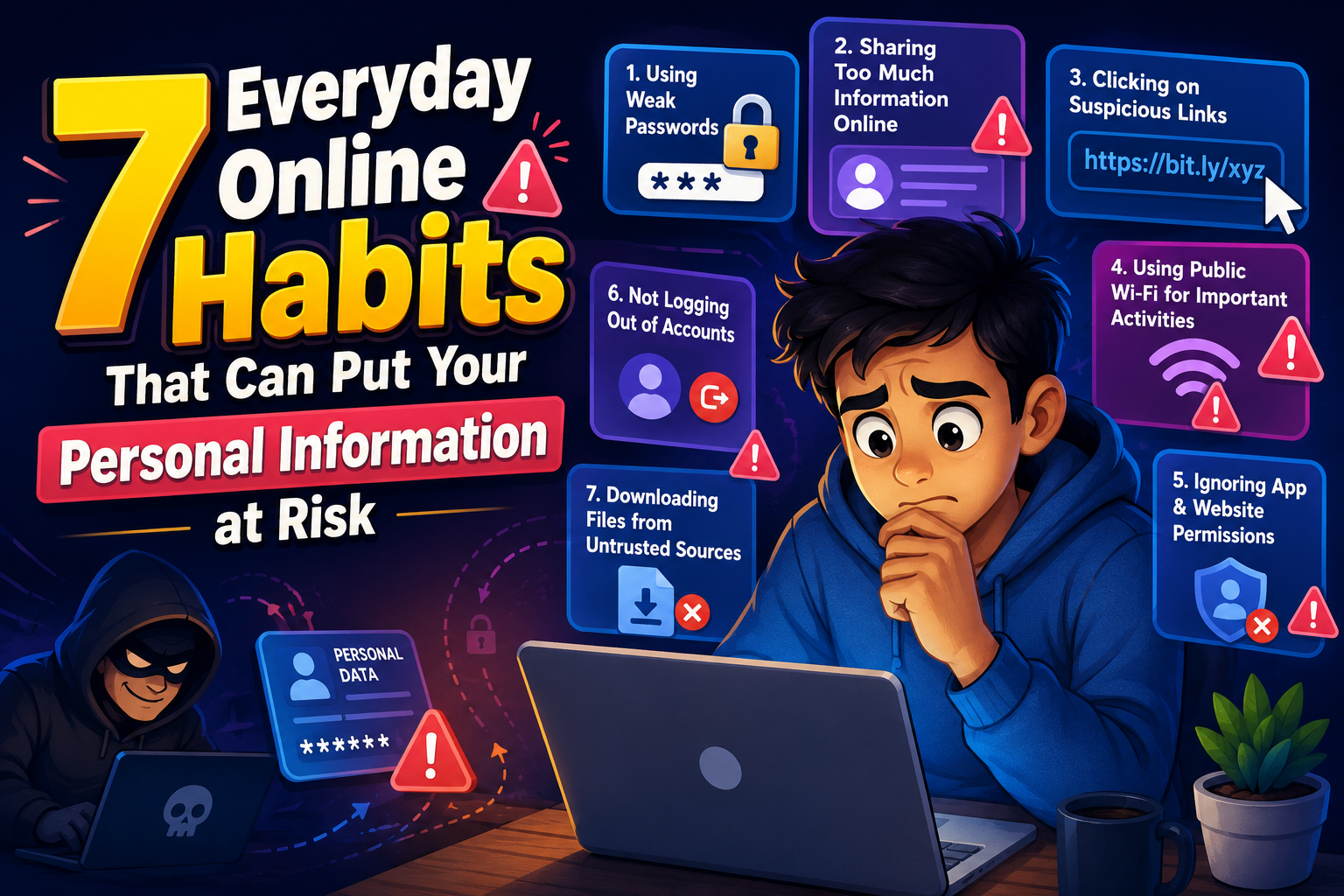
7 Everyday Online Habits That Can Put Your Personal Information at Risk
Many online security problems begin with simple daily habits rather than advanced cyberattacks. Understanding these common mistakes can help protect your personal information, accounts, and devices from unnecessary risks.
Introduction
The internet has become part of everyday life. We shop online, manage bank accounts, communicate with friends, and store important documents in the cloud. While these activities are convenient, some everyday online habits can unintentionally expose your personal information to cybercriminals.
Fortunately, improving your online safety doesn’t require technical expertise. Small changes in how you browse, create passwords, and share information can greatly reduce your risk. This guide explores seven common habits that may put your personal information at risk and explains how to replace them with safer practices.
1. Reusing the Same Password Everywhere
Using one password across multiple websites is one of the most common online security mistakes. If one account is compromised in a data breach, attackers may try the same password on your email, banking, or shopping accounts.
Create unique passwords for every important account and consider using a trusted password manager to store them securely.
2. Clicking Unknown Links Without Checking
Links received through emails, text messages, or social media may lead to phishing websites or malware downloads. Always inspect links before opening them, especially if they come from unexpected sources.
When in doubt, visit the company’s official website by typing the address directly into your browser.
3. Sharing Too Much on Social Media
Posting birthdays, travel plans, addresses, or personal routines may provide useful information for identity thieves or scammers. Even harmless-looking posts can reveal answers to common security questions.
Review your privacy settings regularly and avoid sharing sensitive personal details publicly.
4. Ignoring Software Updates
Operating systems, browsers, and apps receive updates to fix security vulnerabilities. Delaying these updates leaves your device exposed to known threats.
Enable automatic updates whenever possible to ensure your software stays protected.
5. Using Public Wi-Fi Without Precautions
Public wireless networks in airports, cafes, hotels, and shopping centers may not be secure. Attackers on the same network could attempt to intercept sensitive information.
Avoid logging into financial accounts or entering passwords on public Wi-Fi unless you’re using a trusted virtual private network (VPN).
6. Downloading Files from Untrusted Sources
Free software, cracked applications, or unexpected email attachments may contain malicious code. Download programs only from official websites or reputable app stores.
7. Ignoring Privacy and Security Settings
Many online services provide tools to improve account security, including two-factor authentication, login alerts, and privacy controls. Leaving these features disabled increases your exposure to unauthorized access.
Simple Steps to Improve Online Safety
- Create strong, unique passwords for every account.
- Enable two-factor authentication whenever available.
- Verify website addresses before entering personal information.
- Update your operating system and applications regularly.
- Review privacy settings on social media accounts.
- Back up important files frequently.
| Risky Habit | Safer Alternative |
|---|---|
| Using one password everywhere | Create unique passwords for each account. |
| Clicking unknown links | Verify the destination first. |
| Oversharing on social media | Limit public personal information. |
| Skipping updates | Install updates promptly. |
| Using public Wi-Fi carelessly | Avoid sensitive activity or use a VPN. |
Common Mistakes to Avoid
- Saving passwords in unsecured text files.
- Ignoring browser security warnings.
- Accepting friend requests from unknown people.
- Using outdated browsers or apps.
- Sharing personal details in online quizzes or surveys.
Personal Information Protection Checklist
- ✔ Use strong and unique passwords.
- ✔ Turn on two-factor authentication.
- ✔ Keep devices and software updated.
- ✔ Verify suspicious emails and messages.
- ✔ Review privacy settings regularly.
- ✔ Download software only from trusted sources.
Helpful Resource: National Cybersecurity Alliance – Stay Safe Online
Frequently Asked Questions
1. Why are everyday online habits important for security?
Small daily actions can either strengthen or weaken your digital security. Safe habits reduce the likelihood of phishing, identity theft, and unauthorized account access.
2. Is two-factor authentication worth using?
Yes. It adds an additional verification step that makes it much harder for attackers to access your account even if they know your password.
3. Should I trust links from friends?
Not automatically. Friends’ accounts can sometimes be compromised. If a message seems unusual, confirm with the sender before opening any links.
4. How often should I update my passwords?
There’s no fixed schedule for everyone, but you should immediately change passwords after a suspected breach or if you believe an account has been compromised.
Conclusion
Many cyber threats succeed because of routine online behaviors rather than sophisticated hacking techniques. By avoiding these seven everyday online habits that can put your personal information at risk, you can build stronger digital security with very little effort. Simple practices like using unique passwords, checking links before clicking, updating software, and enabling extra account protection help safeguard your personal information and make your online experience much safer.