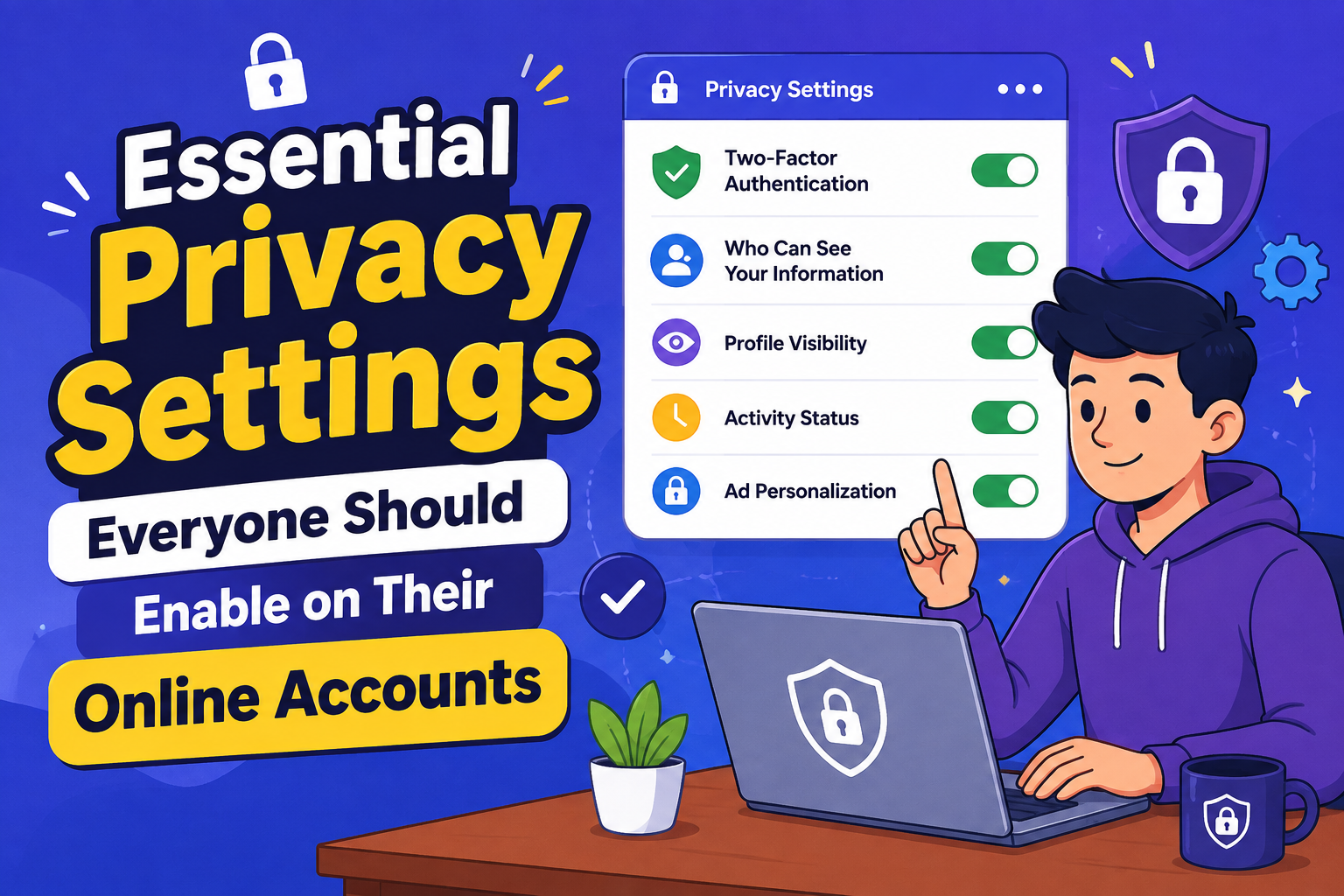
Many online accounts include privacy features that remain disabled by default. Taking a few minutes to review and adjust these settings can significantly improve your digital security and reduce unnecessary exposure of your personal information.
Whether you use email, social media, cloud storage, banking apps, or shopping websites, your online accounts contain valuable personal information. Cybercriminals and data collectors often take advantage of weak privacy settings, making it important to review your account preferences regularly. Fortunately, most platforms provide built-in tools that help protect your information with only a few simple changes.
Why Privacy Settings Matter
Privacy settings determine who can view your information, contact you, track your activity, or access your account. Default settings often prioritize convenience rather than maximum privacy. Reviewing these options allows you to decide how much personal information you want to share.
Even small adjustments can reduce unwanted tracking, limit public visibility, and make unauthorized account access much more difficult.
Essential Privacy Settings to Enable
Two-Factor Authentication
Add an extra verification step when signing in to make unauthorized access significantly more difficult.
Login Alerts
Receive notifications whenever your account is accessed from a new device or location.
Private Profile Visibility
Limit who can view your personal details, photos, and contact information.
App Permissions
Review and remove third-party applications that no longer require access to your account.
Review Account Permissions Regularly
Many services request access to your contacts, location, microphone, camera, or files. Over time, you may forget which apps have these permissions. Reviewing them periodically helps reduce unnecessary data sharing while improving overall privacy.
| Privacy Setting | Benefit |
|---|---|
| Two-Factor Authentication | Adds an additional layer of account security. |
| Profile Visibility | Limits who can view your personal information. |
| Location Sharing | Prevents unnecessary tracking of your movements. |
| Connected Apps | Removes outdated services with account access. |
| Activity History | Lets you control stored browsing and usage data. |
Protect Your Personal Information
Avoid sharing sensitive details publicly whenever possible. Information such as birthdays, phone numbers, addresses, and travel plans can sometimes be used by scammers for identity verification or social engineering attacks.
Limit Advertising and Tracking
Many online platforms personalize advertisements using your browsing habits and activity history. Most services allow you to manage advertising preferences, limit personalized ads, and control how your data is used for marketing purposes.
Although these settings may not eliminate all tracking, they can reduce unnecessary collection of personal information.
Simple Privacy Habits
- Use unique passwords for important accounts.
- Enable automatic software updates.
- Review account privacy settings every few months.
- Avoid sharing sensitive information publicly.
- Remove unused third-party applications.
- Sign out from shared or public devices.
Frequently Asked Questions
Whenever available, enabling two-factor authentication provides valuable additional protection against unauthorized access.
Checking your settings every few months or after major platform updates helps ensure your preferences remain accurate.
No. However, they can significantly reduce unnecessary data sharing and improve your overall online privacy.
Final Thoughts
Protecting your online privacy doesn’t require advanced technical knowledge. By enabling two-factor authentication, reviewing app permissions, limiting profile visibility, monitoring login activity, and reducing unnecessary data sharing, you can greatly strengthen your digital security. Developing these simple privacy habits today helps safeguard your personal information, reduces online risks, and gives you greater control over how your data is used across the internet. Regularly reviewing your account settings is one of the easiest and most effective ways to stay safer online.