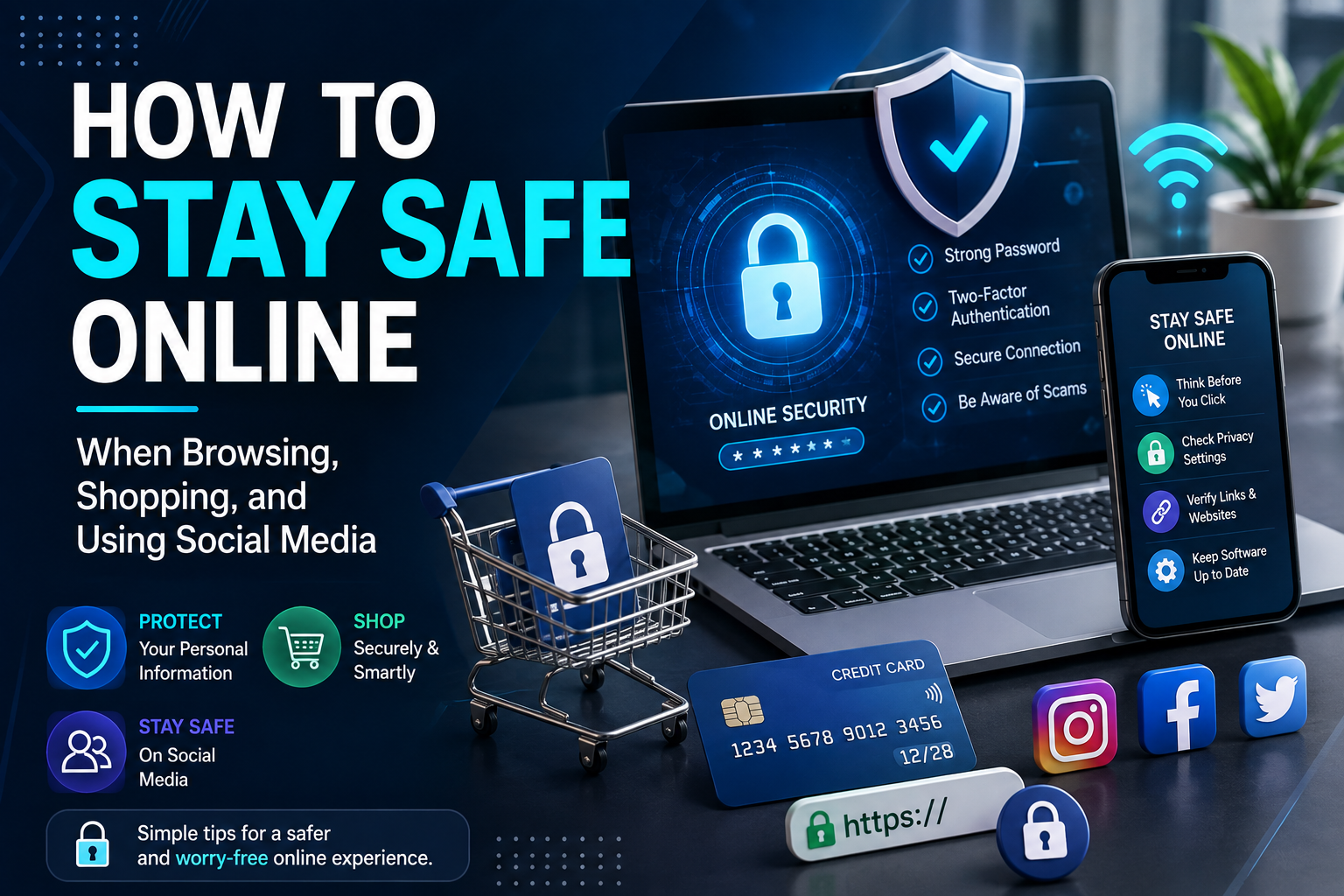
Simple habits can make a big difference when you browse websites, buy products online, use social platforms, or share information with people you meet on the internet.
The internet is now part of almost every area of everyday life. People use it to compare products, order groceries, pay bills, communicate with friends, watch videos, manage finances, apply for jobs, and stay connected with family. That convenience is valuable, but it also means more personal information is moving through websites, apps, online stores, and social networks every day.
Staying safe online does not require you to understand every technical detail behind the internet. In most situations, a few practical habits can help you avoid common problems. Checking a website before entering payment information, using strong passwords, thinking carefully before clicking links, reviewing privacy settings, and slowing down when something feels urgent are all useful steps.
The Federal Trade Commission recommends taking steps such as using multi-factor authentication, keeping software updated, using strong passwords, and recognizing phishing attempts as part of protecting personal information online. ([consumer.ftc.gov](https://consumer.ftc.gov/articles/how-protect-your-personal-information-online?utm_source=chatgpt.com))
Think before clicking unfamiliar links or downloading files.
Research sellers before giving them payment details.
Be intentional about what you publish publicly.
1. Think Before You Click
One of the simplest online safety habits is also one of the most important: do not click automatically.
Messages, emails, advertisements, social media posts, and websites can contain links designed to send you somewhere unexpected. A message might claim that your package is delayed, your bank account needs attention, or you have won a prize.
Instead of clicking immediately, ask yourself why you received the message and whether you were expecting it. If the message appears to come from a company you use, open the company’s official app or type its website address yourself rather than relying on the link.
Scammers often want you to act before you have time to think. A short pause can give you enough time to verify what is happening.
2. Check the Website Before Shopping
Online shopping has made it possible to compare thousands of products without leaving home. However, not every website or seller is trustworthy.
Before purchasing from an unfamiliar store, look at the website address, company information, return policy, shipping details, and customer reviews. Search for the business name along with words such as “reviews,” “complaints,” or “scam” when you are uncertain.
Be particularly careful with websites offering extremely low prices on popular products. A huge discount does not automatically mean fraud, but it is a reason to investigate further.
The FTC recommends researching unfamiliar sellers before buying and notes that paying by credit card can provide useful dispute protections in some situations. ([consumer.ftc.gov](https://consumer.ftc.gov/consumer-alerts/2025/11/how-avoid-online-shopping-scam-holiday-season?utm_source=chatgpt.com))
3. Use Strong and Unique Passwords
Passwords are still an important part of online security. The problem is that many people use the same password across several websites because remembering dozens of different passwords can be difficult.
Using a unique password for each important account limits the damage if one service experiences a security incident. If one password is exposed, attackers cannot automatically use the same password to access your other accounts.
A reputable password manager can help you create and store unique passwords without requiring you to memorize every one.
Start with your most important accounts, especially email, banking, financial services, cloud storage, and social media.
4. Turn On Multi-Factor Authentication
A password alone is not always enough to protect an online account. Multi-factor authentication adds another verification step when you sign in.
Depending on the service, this could involve an authenticator app, security key, verification code, or another approved method.
The FTC recommends enabling multi-factor authentication for accounts that support it, particularly important accounts such as email, financial services, and social media. ([consumer.ftc.gov](https://consumer.ftc.gov/articles/how-protect-your-personal-information-online?utm_source=chatgpt.com))
Start With Your Email Account
Your email account is particularly important because it can often be used to reset passwords for other services. Give it a strong, unique password and use multi-factor authentication when available.
5. Be Careful With Public Wi-Fi
Public Wi-Fi can be useful at airports, hotels, libraries, coffee shops, restaurants, and other locations. However, you should avoid assuming that every public network is trustworthy.
Check the network name carefully before connecting. If you are asked to enter sensitive information into an unexpected page, stop and verify the network.
When handling highly sensitive activities, such as financial transactions, consider using your mobile connection or another trusted network instead of an unfamiliar public network.
Keep your device’s security protections and operating system updated as well. Security is not based on one setting; several layers work together.
6. Keep Your Browser and Device Updated
Updates can sometimes feel annoying, especially when a phone or computer asks you to restart at an inconvenient time. However, updates may contain important security fixes.
Keep your operating system, browser, and frequently used apps updated. Whenever possible, use automatic updates from trusted sources.
Avoid downloading software from suspicious pop-ups or unofficial websites simply because a message claims that your device needs an urgent update.
7. Review What Apps Can Access
Apps may request access to your location, contacts, camera, microphone, photos, calendar, or files. Some permissions are necessary, but not every application needs access to everything.
Review your device’s privacy settings and look at which apps have access to sensitive information.
If an application does not need a particular permission, consider removing it. You can often grant access again later if you need a feature that requires it.
Ask whether the app genuinely needs to know where you are.
Use limited or selected access when available.
Review which apps can activate these features.
8. Protect Your Personal Information While Shopping
Online stores may ask for information needed to process an order, such as your name, shipping address, payment details, and contact information. Be careful when a website asks for information that does not seem necessary for the purchase.
Do not provide your Social Security number simply because an unfamiliar online store requests it. If a website asks for unusually sensitive information, stop and determine why it is being requested.
It is also a good idea to avoid saving payment information on websites you rarely use. Convenience can be useful, but reducing stored information can limit what remains on an account if that account is compromised.
9. Watch Out for Fake Shopping Reviews
Reviews can help you decide whether a product is worth buying, but they should not be your only source of information.
Look for patterns across multiple sources instead of trusting one extremely positive review. Pay attention to reviews that seem repetitive, vague, or unrelated to the actual product.
Also remember that product reviews and seller reviews are not always the same thing. A product may have good reviews while the seller offering it is unreliable.
10. Be Careful About What You Share on Social Media
Social media makes it easy to share birthdays, travel plans, family information, workplaces, pets, favorite locations, and everyday activities.
Individually, these details may seem harmless. Together, they can create a surprisingly detailed picture of your life.
Before posting, consider whether the information could help someone identify where you live, when you are away from home, where you work, or how to answer security questions.
You do not have to stop sharing personal moments. The goal is to think about your audience and avoid publishing information that you would rather keep private.
11. Review Your Social Media Privacy Settings
Privacy settings can determine who can see your posts, contact you, tag you, mention you, or find certain information about your profile.
Take a few minutes to review these settings on the platforms you use most. You may also want to check older posts because information that was public several years ago may no longer be something you want to share with everyone.
Review connected apps and third-party services as well. Remove connections that you no longer use or recognize.
Social Media Checkup
✓ Who can see your posts?
✓ Who can send you messages?
✓ Who can tag or mention you?
✓ Is your phone number or email publicly visible?
✓ Which third-party apps are connected?
✓ Are old public posts still appropriate?
12. Be Suspicious of Unexpected Direct Messages
A message from a stranger on social media is not automatically dangerous, but unexpected requests deserve some caution.
Someone may pretend to be a customer-service representative, an investment expert, a romantic interest, a recruiter, or even a friend whose account has been compromised.
Never send passwords, verification codes, banking information, or large amounts of money to someone simply because their profile looks legitimate.
If a friend sends an unusual request, contact them through another method to confirm it is really them.
13. Recognize Common Online Shopping Scams
Some shopping scams are obvious, while others are designed to look like normal online purchases.
Common warning signs include extremely low prices, unfamiliar sellers, pressure to pay outside the normal checkout system, missing contact information, copied product descriptions, and websites that were recently created or have very little independent information available.
Be especially careful if a seller asks you to pay through gift cards, cryptocurrency, wire transfers, or another method that provides limited protection.
For unfamiliar sellers, research before purchasing instead of making a decision based solely on a countdown timer or “limited stock” message.
14. Do Not Trust Every Online Advertisement
Advertisements can appear on search engines, social media, websites, and video platforms. A professional-looking advertisement does not automatically prove that the business behind it is trustworthy.
Before making an expensive purchase, consider visiting the company’s official website directly rather than relying entirely on the advertisement.
Be cautious of advertisements promising unbelievable discounts, guaranteed financial results, miracle solutions, or products that are supposedly unavailable everywhere else.
15. Learn to Spot Phishing Attempts
Phishing is designed to trick you into providing information or visiting a fraudulent website. The message may imitate a bank, retailer, delivery company, streaming service, employer, or government agency.
Look for unexpected requests, unusual sender addresses, strange links, urgent language, spelling or formatting problems, and requests for passwords or verification codes.
However, do not assume a message is safe just because it has perfect grammar or a familiar logo. Modern scams can be professionally written and visually convincing.
Would You Do This If Someone Asked You Face-to-Face?
If a stranger suddenly asked for your password, bank details, or a verification code in person, you would probably hesitate. Apply the same caution online.
16. Be Careful With Online Contests and Giveaways
Social media giveaways can be legitimate, but fake contests are also commonly used to collect personal information or money.
Be cautious if you are told that you won a prize you never entered to win. You should also question requests for payment, gift cards, cryptocurrency, or sensitive personal information before receiving a supposed prize.
When a giveaway involves a recognizable company, verify the promotion through the company’s official website or verified account rather than trusting a random message.
17. Protect Your Payment Accounts
Online shopping becomes safer when you regularly monitor the accounts you use for purchases.
Review bank and credit card statements for unfamiliar transactions. Turn on transaction alerts when your financial institution provides them so you can notice unusual activity quickly.
If you see a transaction you do not recognize, contact the financial institution using a trusted phone number or official app.
Do not wait for a suspicious transaction to become a major problem before checking it.
18. Think Carefully Before Downloading Files
Downloads can contain software, documents, images, or other files. A file from an unexpected source can potentially create security problems.
Do not download attachments simply because an email says they contain an invoice, delivery notice, refund, or account document.
If you are expecting a file, confirm the sender independently before opening it. Download software from the official developer or a trusted app marketplace whenever possible.
19. Avoid Sharing Verification Codes
One-time verification codes are designed to prove that the person signing in is authorized to access an account.
If someone contacts you and asks you to read them a code that just arrived on your phone or email, be extremely cautious. A legitimate support representative should not need you to give a stranger a private login verification code.
Never assume that a caller is legitimate simply because they know your name, email address, or other basic information.
20. Create a Simple Online Safety Routine
Online safety becomes much easier when it becomes a habit rather than something you only think about after a problem occurs.
Once a month, review important account activity, update devices, check app permissions, remove old apps, and look through your privacy settings.
When shopping, research unfamiliar sellers before paying. When using social media, think before publishing personal information. When receiving unexpected messages, slow down before clicking.
Pause before clicking unexpected links or sharing information.
Review accounts, permissions, transactions, and privacy settings.
Act quickly if you notice suspicious account activity.
What to Do If Something Goes Wrong
Even careful internet users can eventually encounter a scam, compromised account, or suspicious transaction. If something happens, acting quickly can help limit the damage.
If you shared a password, change it immediately and change it anywhere else you reused it. If you gave payment information to a scammer, contact the relevant bank or card provider using a trusted contact method.
If an account may have been compromised, review recent sign-ins, remove unfamiliar devices or sessions, update the password, and enable multi-factor authentication.
You can report fraud to the Federal Trade Commission through its official reporting service. ([reportfraud.ftc.gov](https://reportfraud.ftc.gov/))
Frequently Asked Questions
Safe Internet Habits Start With Small Decisions
You do not need to avoid the internet to use it safely. You simply need to become more deliberate about where you click, what you download, who you trust, what you purchase, and what information you share.
Take a few minutes to strengthen your important accounts, review privacy settings, check unfamiliar stores before buying, and think carefully before posting personal information. These habits may seem small, but consistently following them can make browsing, shopping, and social media much more comfortable and secure.