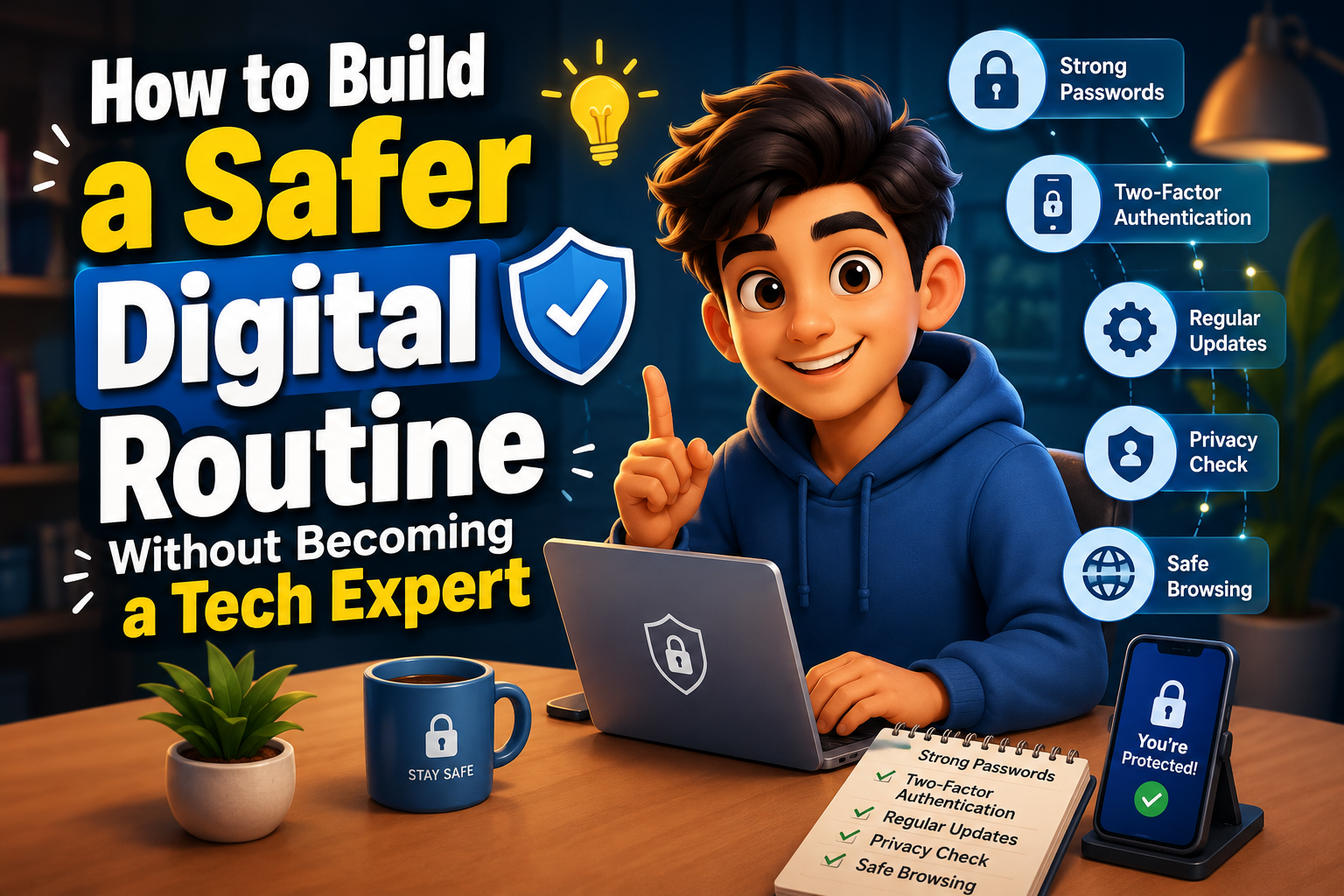
Building a secure digital lifestyle does not require advanced technical skills. A few consistent habits can significantly improve your online safety, protect your personal information, and reduce the chances of falling victim to scams or cyber threats. This guide explains practical steps that anyone can follow to create a safer digital routine without feeling overwhelmed.
Why a Digital Routine Matters
Many people believe cybersecurity is only important for businesses or technology professionals. In reality, everyone who uses email, social media, online banking, or shopping websites faces digital risks every day. Most successful cyberattacks happen because of simple mistakes rather than sophisticated hacking techniques.
Creating a safer routine means making small, consistent decisions that protect your devices and personal information. These habits quickly become part of your daily life and require very little extra effort once established.
Protect Personal Data
Reduce the chances of exposing passwords, financial details, and private information.
Prevent Online Scams
Recognize suspicious emails, fake websites, and phishing attempts before they become a problem.
Keep Devices Healthy
Regular maintenance helps computers and smartphones remain secure and perform efficiently.
Build Simple Habits Instead of Complex Rules
Create Strong Passwords
Every important account should have its own unique password. Using the same password for multiple websites increases your risk if one account is compromised. Consider using a trusted password manager if remembering many passwords becomes difficult.
Enable Two-Factor Authentication
This additional security layer requires a second verification step during login. Even if someone learns your password, they usually cannot access your account without this second factor.
Keep Software Updated
Updates often fix known security vulnerabilities. Enable automatic updates for your operating system, browser, and frequently used applications whenever possible.
Think Before Clicking
Unexpected emails, text messages, and social media links deserve extra attention. Verify links before opening them and avoid downloading unknown attachments.
A Practical Daily Security Routine
| Daily Habit | Benefit |
|---|---|
| Lock your devices with a PIN or biometric security. | Prevents unauthorized physical access. |
| Review unexpected notifications carefully. | Helps identify phishing attempts. |
| Log out of shared or public computers. | Protects your accounts from misuse. |
| Backup important files regularly. | Reduces data loss after hardware failure or malware. |
| Use trusted Wi-Fi networks whenever possible. | Improves online privacy and security. |
Common Mistakes That Increase Risk
- Ignoring browser security warnings.
- Installing apps from unofficial websites.
- Sharing excessive personal information on social media.
- Clicking links simply because they appear urgent.
- Using outdated browsers and operating systems.
- Leaving important accounts without recovery information.
Your Personal Digital Safety Checklist
- ✔ Use a different password for every important account.
- ✔ Turn on two-factor authentication.
- ✔ Keep devices and apps updated automatically.
- ✔ Verify links before opening them.
- ✔ Backup important documents regularly.
- ✔ Review account activity every month.
- ✔ Remove apps you no longer use.
- ✔ Keep your browser updated.
Helpful Resource: National Cybersecurity Alliance – Stay Safe Online
Frequently Asked Questions
Do I need expensive security software?
Not necessarily. Keeping your operating system updated, using strong passwords, enabling two-factor authentication, and practicing safe browsing habits provide excellent protection for most users.
How often should I change my passwords?
You should change passwords immediately after a suspected breach or if you think someone else may know them. Otherwise, focus on using strong, unique passwords rather than changing them frequently without reason.
Can beginners improve online security?
Absolutely. Most effective cybersecurity habits are simple and require no technical knowledge. Consistency matters much more than advanced expertise.
What is the easiest habit to start today?
Enable two-factor authentication on your email account and create a unique password for it. Since many other accounts rely on your email for password recovery, protecting it should be your top priority.
Final Thoughts
A safer digital routine isn’t about becoming a technology expert—it’s about making smarter everyday choices. Simple habits like updating your software, using strong passwords, verifying links before clicking, and protecting your important accounts can dramatically improve your online security. Start with one or two changes today, then gradually add more good habits over time. Consistent, practical actions are far more valuable than complicated security measures that are difficult to maintain.