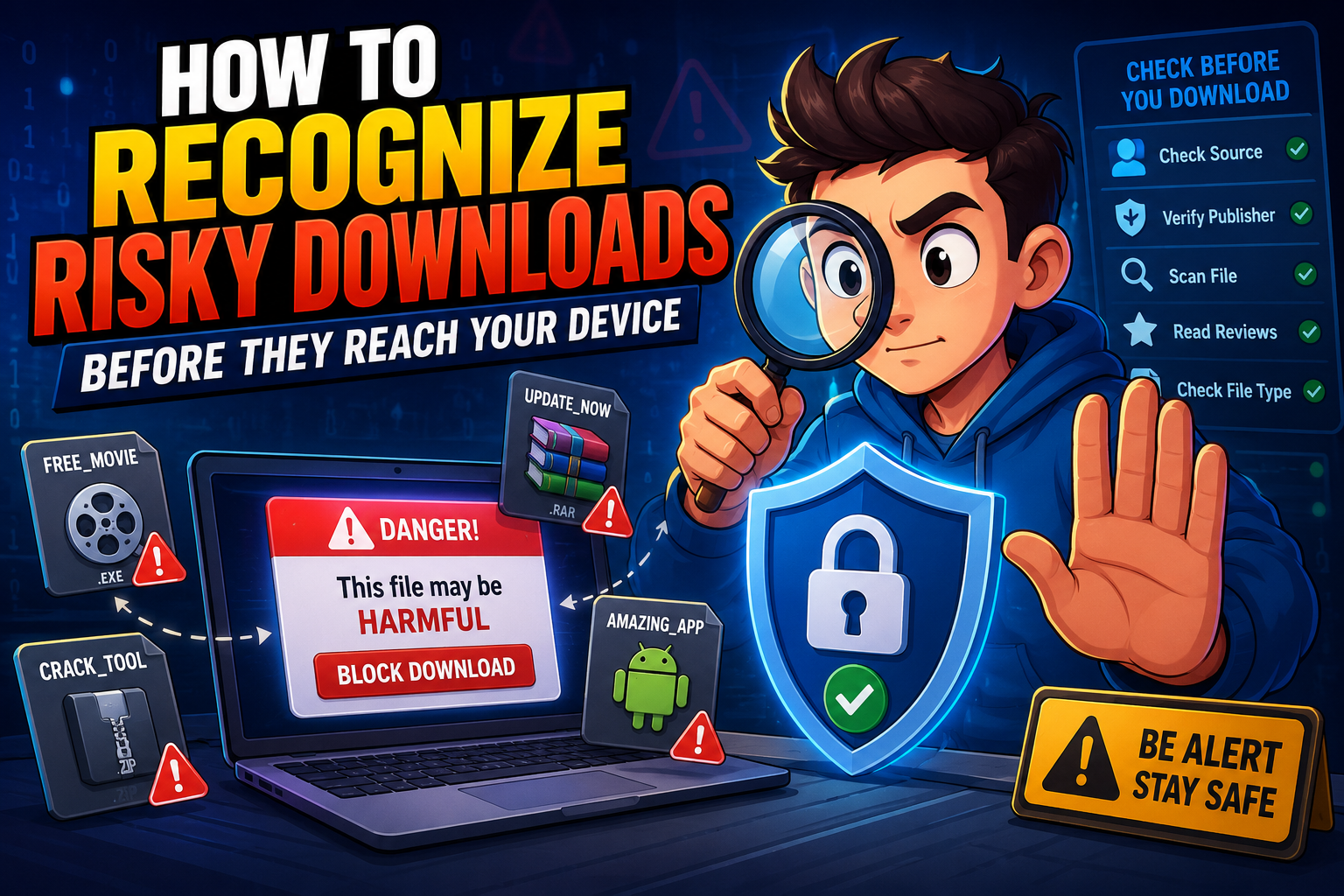
Downloading files has become a normal part of everyday internet use, whether it’s software, documents, photos, or mobile apps. Unfortunately, cybercriminals often disguise harmful files as legitimate downloads. Learning to recognize risky downloads before they reach your device is one of the easiest ways to improve your online security and protect your personal information.
Why Download Safety Is Important
Not every download available online is safe. Some files may contain malware, spyware, ransomware, or other harmful software designed to steal information, damage your device, or monitor your online activity. Even trusted-looking websites can sometimes be used to distribute malicious files through fake advertisements or compromised download buttons.
The good news is that most risky downloads show warning signs before you click them. By knowing what to look for, you can avoid many common online threats without needing advanced technical skills.
Protect Your Data
Prevent personal information, passwords, and financial details from being exposed through malicious software.
Keep Devices Running Smoothly
Avoid malware that slows down your computer, displays unwanted advertisements, or damages important files.
Reduce Security Risks
Careful downloading habits significantly lower the chance of installing harmful programs.
How to Recognize Risky Downloads Before They Reach Your Device
Download Only from Official Sources
Whenever possible, use the software developer’s official website or a trusted app store. Avoid unfamiliar download portals that bundle additional software with your download.
Inspect the Website Carefully
Professional websites usually have consistent branding, working navigation, contact information, and secure HTTPS connections. Poor design, excessive advertisements, or numerous spelling mistakes may indicate an unreliable source.
Be Careful with Download Buttons
Some websites display multiple fake download buttons that actually lead to advertisements or unwanted software. Always identify the correct download link before clicking.
Check the File Type
Unexpected executable files such as .exe, .bat, or .scr should receive extra attention, especially when you expected a document or image instead.
Read Browser Warnings
Modern browsers often display security alerts for suspicious downloads. Never ignore these warnings simply because you’re in a hurry.
Quick Safety Comparison
| Situation | Safer Choice |
|---|---|
| Downloading software | Use the official developer’s website. |
| Email attachment from unknown sender | Delete or verify before opening. |
| Pop-up offering a free update | Visit the official website manually. |
| Multiple download buttons | Carefully identify the legitimate button. |
| Browser security warning | Pause and investigate before continuing. |
Common Mistakes to Avoid
- Downloading software from unofficial websites.
- Ignoring browser or antivirus warnings.
- Opening unexpected email attachments immediately.
- Trusting advertisements that promise “free” premium software.
- Installing programs without reading installation prompts.
- Disabling security features to complete a download.
Safe Download Checklist
- ✔ Download only from official websites or trusted app stores.
- ✔ Verify the website address before downloading.
- ✔ Read browser security warnings carefully.
- ✔ Check file extensions before opening downloads.
- ✔ Keep antivirus and operating system updates enabled.
- ✔ Avoid software promoted through suspicious pop-up ads.
- ✔ Scan downloaded files when appropriate.
- ✔ Delete downloads you no longer need.
Helpful Resource: National Cybersecurity Alliance – Online Safety Resources
Frequently Asked Questions
Are free downloads always unsafe?
No. Many reputable developers offer free software. The important factor is downloading directly from trusted and official sources.
Can antivirus software detect every harmful download?
No security tool catches every threat. Safe browsing habits and careful verification remain essential layers of protection.
What should I do if I accidentally download a suspicious file?
Avoid opening it, delete it if possible, and run a security scan using trusted antivirus software before taking further action.
Why do browsers sometimes block downloads?
Browsers compare downloads against known security risks and may warn you if a file appears suspicious or comes from an unsafe source.
Final Thoughts
Safe downloading begins long before a file reaches your device. By choosing trusted sources, paying attention to browser warnings, verifying website addresses, and avoiding suspicious download buttons, you can prevent many common cyber threats. Developing these simple habits doesn’t require technical expertise, but it can significantly improve your online safety and protect your personal information every time you download a file.